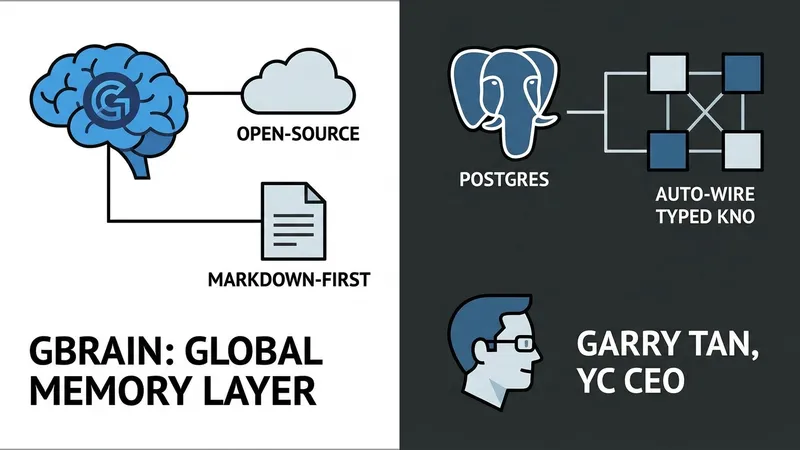
Your AI agent is smart but forgetful. Every new session starts from scratch, with no memory of who you met, what you read, or what you decided last Tuesday. GBrain is an open-source fix for this exact limitation. Built by Garry Tan (President and CEO of Y Combinator) to power his own OpenClaw and Hermes deployments, it is a markdown-first, Postgres-backed knowledge layer that ingests meetings, emails, tweets, and notes, and then auto-wires a typed knowledge graph on top—with zero LLM calls for graph extraction.
The production brain behind Garry's actual agents currently holds 146,646 pages, 24,585 people, 5,339 companies, and 66 autonomous cron jobs. On its own benchmark (BrainBench, a 240-page rich-prose corpus), GBrain hits P@5 49.1% and R@5 97.9%, showcasing a +31.4-point P@5 lead over the same codebase with the graph layer disabled.
This is a hands-on tutorial where you will install GBrain locally, import a small folder of markdown notes, run a real search, watch the knowledge graph wire itself, and connect it to Claude Code via MCP in about 20 minutes. All terminal outputs are captured from a live install of GBrain v0.38.2.0. The MIT-licensed repository lives at github.com/garrytan/gbrain.
By the end of this tutorial, you will build and run:
1. A local ~/.gbrain/brain.pglite database using embedded Postgres 17 (via WASM) with pgvector, requiring zero server configuration.
2. A small "brain repo" of markdown notes about people, companies, and concepts.
3. A working hybrid-search CLI combining vector + BM25 keyword + Reciprocal Rank Fusion (RRF), with a ZeroEntropy reranker enabled by default.
4. A typed knowledge graph (works_at, founded, invested_in, attended, advises, mentions) auto-extracted from your notes.
5. An MCP server exposing 74 tools so Claude Code, Cursor, and Windsurf can read and write to the brain database directly.
Prerequisites include macOS or Linux (WSL2 for Windows), a code editor, Bun ≥ 1.3.10, and an embedding API key from ZeroEntropy (default), OpenAI, or Voyage. An Anthropic API key is optional but helpful for multi-query expansion during search.
Step 1 — Install Bun and GBrain. Since GBrain is written in TypeScript and runs on Bun, install the runtime first:curl -fsSL https://bun.sh/install | bashexec $SHELLbun --version
Next, install GBrain globally via Bun:bun install -g github:garrytan/gbraingbrain --version
Step 2 — Initialize your brain. Running gbrain init --pglite provisions a local PGLite database in ~/.gbrain/. PGLite is a full Postgres build compiled to WASM, requiring no server or Docker setups, and initializes in roughly two seconds. After initializing, you can defer or set up your embedding provider to unleash hybrid-search capabilities, completing your local AI Agent memory infrastructure.
[AgentUpdate Depth Analysis] The core innovation of GBrain lies in its "zero-LLM-call knowledge graph extraction" combined with lightweight, local-first execution via PGLite and Bun. Traditional GraphRAG frameworks rely heavily on costly and slow LLM API calls to parse entities and relationships, making real-time, high-throughput updates impractical. By utilizing structured markdown parsing and deterministic auto-wiring, GBrain dramatically reduces the computing overhead of building persistent agent memory. Furthermore, its native integration with the Model Context Protocol (MCP) allows it to easily bridge with agentic coding tools like Cursor and Claude Code. This marks a paradigm shift in AI Agent memory design—moving away from heavy, cloud-centric RAG pipelines toward highly responsive, localized, and self-wiring cognitive networks.