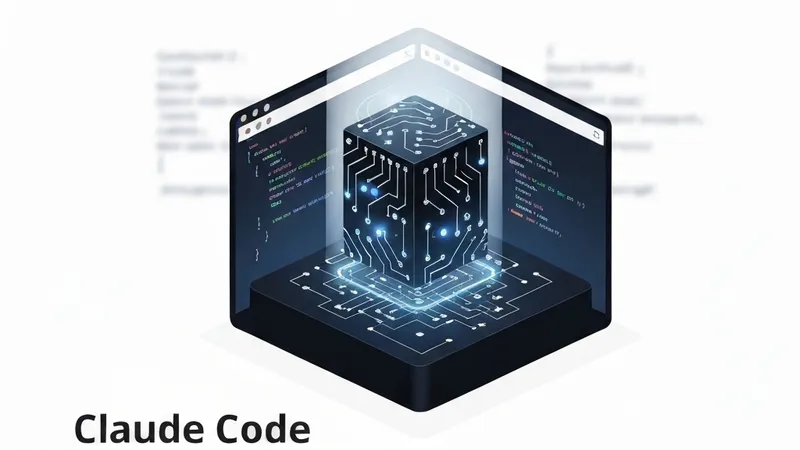
Claude Code processes thousands of lines of code, generates insights, solves bugs, and discovers architecture. However, once a session concludes, it effectively “forgets” everything. The subsequent session then starts from scratch, re-reading the same files, re-tracing execution paths, and re-discovering patterns, preventing knowledge accumulation.
This represents a fundamental limitation of a context-window-only architecture. The context window serves as working memory: capacious and fast, but inherently volatile. When it becomes full, older content is compressed or discarded, and upon session termination, all data vanishes.
A seemingly straightforward solution would be to save everything to disk. However, “everything” proves to be excessive. A 200-turn debugging session can generate megabytes of tool calls, error messages, failed attempts, and dead ends. Loading all this into the next session would consume the majority of the context window with irrelevant historical data. Selectivity is crucial—the lessons must be retained, while the scaffolding and noise should be discarded.
The opposite extreme involves saving nothing, compelling the model to re-derive knowledge from the codebase in every session. While viable for small projects, this approach collapses at scale. A developer working on a codebase for months possesses invaluable context that cannot be re-derived solely from the code itself, such as the rationale behind architectural choices, preferred team patterns, previously attempted and abandoned approaches, or specific user communication styles.
Claude Code adopts a middle path by employing five distinct persistence mechanisms, each operating at a different timescale and abstraction level. These include CLAUDE.md instruction files, an auto-memory directory with a typed file system, a background memory extraction agent, context compaction for summarizing old messages, and raw session transcripts. Collectively, these form a layered persistence architecture—a solution distinct from a simple wiki or mere RAG (Retrieval Augmented Generation), striking a balance between comprehensiveness and simplicity.
This article will explore each layer in detail: how it stores knowledge, what it discards, where it truncates information, and what bypasses these mechanisms.
Layer 1: CLAUDE.md — The Instruction Layer
Prior to processing any user message, the model loads a stack of instruction files. These are human-written (or human-edited) Markdown files that dictate the model's behavior within a specific project. They represent the most persistent layer, enduring not only across sessions but also across multiple users.
Discovery
The system discovers CLAUDE.md files by traversing the filesystem in a specific, predefined order:
- Managed:
/etc/claude-code/CLAUDE.md(Global administrative instructions, applicable to all users). - User:
~/.claude/CLAUDE.md(Private global instructions, applicable to all projects). - Project: Traverses upwards from the Current Working Directory (CWD) to the root, checking in each directory for:
CLAUDE.md.claude/CLAUDE.md.claude/rules/*.md(Committed to the codebase, shared with the team).
- Local:
CLAUDE.local.mdin each project root (Git-ignored, private to the specific developer).
While files are loaded in this sequence, priority increases from bottom to top—meaning local files hold the highest precedence.