Visual Studio Code (VS Code) has firmly established itself as the world's most popular code editor. The 2025 Stack Overflow Developer Survey revealed that over 73% of professional developers use it, and for good reasons. Its extension ecosystem is unmatched, the built-in terminal functions efficiently, Git integration is robust, and Language Server Protocol (LSP) support ensures excellent IntelliSense across nearly every language. It's free, cross-platform, and backed by Microsoft, making it the default choice for many.
However, being the “default” doesn't always equate to being “optimal.” After years of daily use, many developers are encountering VS Code's limitations and beginning to seek alternatives better tailored to their specific workflows. These challenges typically fall into several categories:
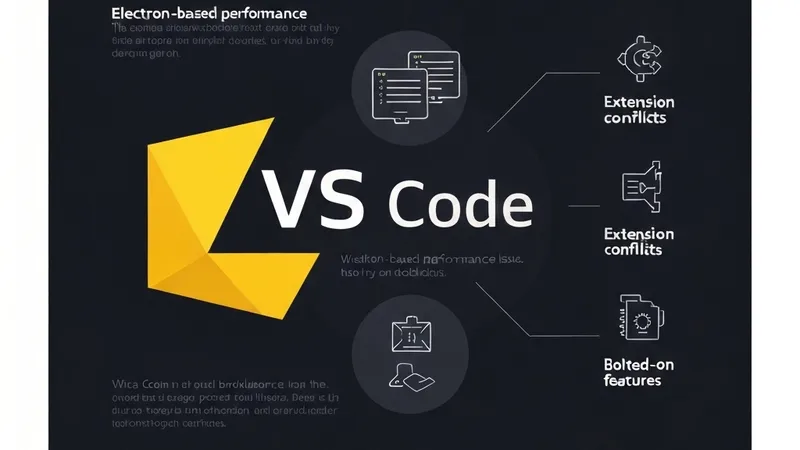
Performance Degradation with Project Scale: VS Code is built on Electron, which fundamentally means it operates as a web browser running a text editor. This architecture becomes a bottleneck when opening large projects with dozens of extensions installed. Users often experience startup times of 3-8 seconds, and memory usage can regularly exceed 1GB in moderately sized workspaces. Opening files larger than 50MB becomes sluggish, and files over 200MB can cause the editor to freeze entirely. These aren't edge cases; they are daily realities for developers working with monorepos, substantial data files, or generated code.
Persistent Extension Conflicts: With over 50,000 extensions available in the VS Code marketplace, managing this scale presents significant issues. Extensions frequently compete for UI space, override each other's keybindings, and introduce difficult-to-diagnose performance problems. The ritual of disabling extensions one by one to pinpoint the source of a lag spike is all too familiar to many power users. Furthermore, the extension host process can crash independently of the editor, silently disabling functionality until the developer notices something is amiss.
Bolted-On, Not Built-In AI Features: While GitHub Copilot functions within VS Code, it remains an extension rather than a core component of the editor. Copilot lacks the full codebase context understanding that purpose-built AI editors offer. It cannot perform multi-file edits from a single prompt, it doesn't index your repository for codebase-aware chat interactions, and its inline suggestions, while useful, are constrained by the capabilities of the VS Code extension API. Editors like Cursor and Windsurf, designed from the ground up around AI workflows, demonstrate a significant difference in depth and integration.
Telemetry and Privacy Concerns: VS Code collects telemetry data by default. Although it can be disabled, the process is not straightforward, involving multiple settings that control different types of data collection. This is a genuine concern for developers working with proprietary code or within privacy-conscious organizations. The open-source version (Code - OSS) strips some telemetry, but it also loses access to the proprietary Microsoft marketplace and certain built-in features.
Rough Edges in Remote Development: VS Code's Remote SSH and Dev Containers features, while powerful, still present some rough edges that can hinder a seamless remote development experience.