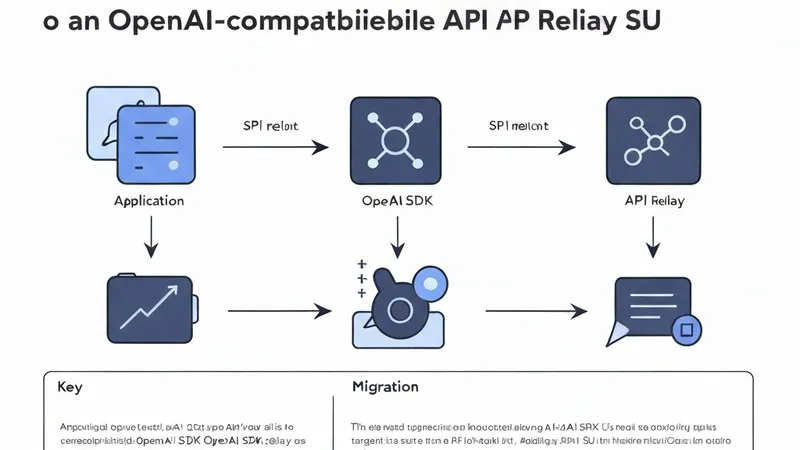
This guide provides a practical approach for migrating an existing OpenAI SDK integration to an OpenAI-compatible API relay with the smallest possible code changes.
The useful part is that most applications already have the right abstraction. If your code utilizes the OpenAI SDK, you typically only need to modify the API key and the base URL.
What Changes
In a direct OpenAI setup, the SDK sends requests to the default OpenAI endpoint. With an API relay service, such as Vector Engine API, you maintain the same SDK structure and simply point it to the new endpoint:
https://www.vectronode.com/v1
This means your existing chat completion flow can remain familiar:
- Same messages array
- Same model field
- Same
chat.completions.createcall - Same environment-variable based deployment pattern
Python Migration
Before:
from openai import OpenAI

client = OpenAI(api_key="YOUR_OPENAI_KEY")
After:
import os
from openai import OpenAI

client = OpenAI(
    api_key=os.environ["VECTOR_ENGINE_API_KEY"],
    base_url="https://www.vectronode.com/v1",
)
The request shape then remains identical:
response = client.chat.completions.create(
    model="gpt-4o-mini",
    messages=[
        {
            "role": "user",
            "content": "Explain API relay migration in one sentence.",
        }
    ],
)

print(response.choices[0].message.content)
Node.js Migration
Before:
import OpenAI from "openai";

const client = new OpenAI({
  apiKey: process.env.OPENAI_API_KEY,
});
After:
import OpenAI from "openai";

const client = new OpenAI({
  apiKey: process.env.VECTOR_ENGINE_API_KEY,
  baseURL: "https://www.vectronode.com/v1",
});
Then call chat completions as usual:
const response = await client.chat.completions.create({
  model: "gpt-4o-mini",
  messages: [
    {
      role: "user",
      content: "Explain API relay migration in one sentence.",
    },
  ],
});

console.log(response.choices[0].message.content);
Validate with curl
Before modifying a production application, it's advisable to verify the key and endpoint using a curl command:
curl https://www.vectronode.com/v1/chat/completions \
  -H "Authorization: Bearer $VECTOR_ENGINE_API_KEY" \
  -H "Content-Type: application/json" \
  -d '{
    "model": "gpt-4o-mini",
    "messages": [
      {
        "role": "user",
        "content": "Explain API relay migration in one sentence."
      }
    ]
  }'