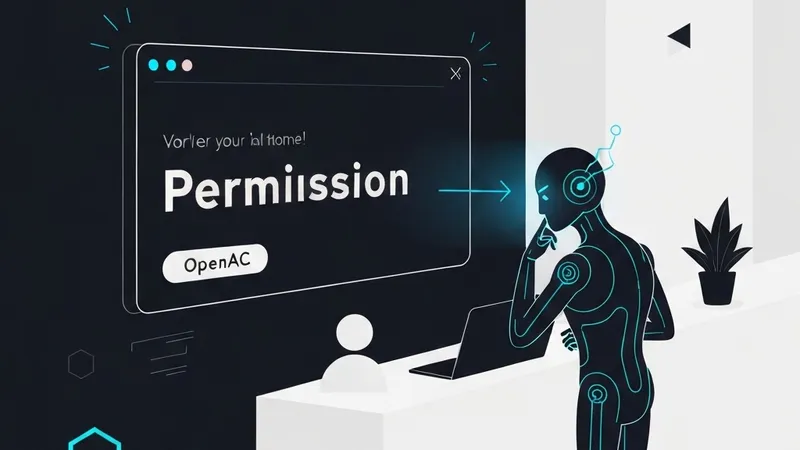
My workflow broke the moment I stepped away from my desk. I had Claude Code running a large refactor. Left to grab lunch. By the time I came back, it had hit a permission prompt and been sitting idle for 15 minutes, waiting for me to press "yes" on a machine I wasn't at. That's why I started contributing to OpenACP.
Tools like Claude Code, Gemini CLI, and Codex are powerful but assume you're sitting at your terminal. The moment you're on your phone or away from your desk, you lose visibility and control. Common workarounds like SSH into a tmux session (fragile on mobile) or setting up a VPN and remote desktop (slow) are not ideal. What I wanted was simple: send a message from Telegram, see the agent's tool calls streaming in real-time, and approve or deny actions from my phone.
OpenACP is a self-hosted, open-source bridge connecting your messaging platform to your AI coding agent. It leverages the Agent Client Protocol (ACP)—an open standard for editor-agent communication—to link agents such as Claude Code, Gemini CLI, and Codex to Telegram, Discord, and Slack. The system operates as follows: You (Telegram / Discord / Slack) → OpenACP (bridge + session manager) → AI Agent (Claude Code, Codex, Gemini CLI, ...) → Your Codebase. Everything runs on your machine, ensuring no cloud relay, no third-party access to your code, and no subscription fees.
Getting started with Claude Code on Telegram is straightforward. First, install OpenACP globally using npm: npm install -g @openacp/cli (Node.js 20+ is required, and Claude Code needs to be installed separately). Then, simply run openacp. The first run will launch an interactive setup wizard. It prompts for your preferred platform(s) (Telegram, Discord, Slack), your bot token, the workspace directory, the default agent, and whether to run in foreground or daemon mode. For Telegram, you'll need a bot token from @botfather; the wizard validates it and auto-detects your chat ID, eliminating the need for manual config file editing. Once running, sending any message to your bot will create a session. OpenACP spawns Claude Code as an ACP subprocess and streams all output back to your chat. Each session gets its own forum topic, allowing you to run multiple agents in parallel, each in its own topic or thread depending on the platform.
During an active session, you'll observe the agent's tool calls—file reads, writes, grep calls, terminal commands—streamed directly into your chat as they happen. Critically, if the agent needs to perform an action that requires approval, you'll receive a message with inline "Approve" or "Deny" buttons, allowing you to respond instantly from your phone. This feature directly addresses the workflow interruptions, enabling continuous monitoring and intervention for long-running tasks, even when you're away from your desk.