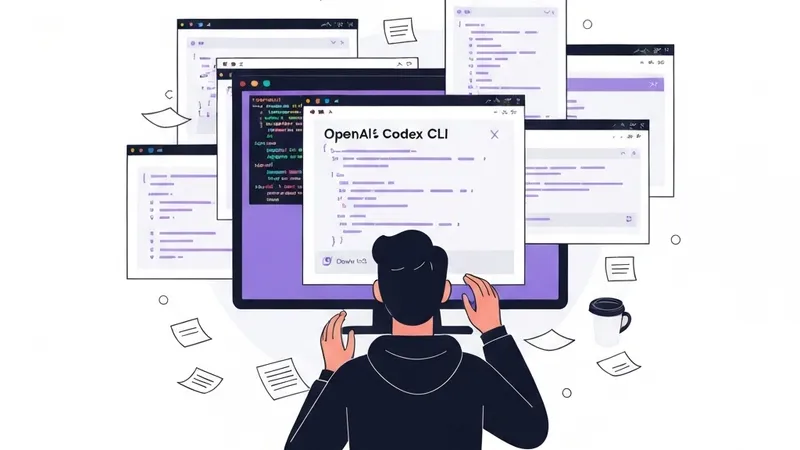
If you've been using OpenAI's Codex CLI for any period, you've likely noticed its power comes with a lack of structure. It offers raw capability, but the workflow is entirely left to the developer, often leading to inconsistency.
This is where Oh My Codex steps in. Garnering nearly 3,000 stars in a day and over 12,000 total, this workflow enhancement layer addresses a critical pain point for developers utilizing AI coding agents: chaotic, unpredictable workflows that obscure what the agent actually accomplished.
Why This Matters
The core issue isn't the AI coding assistants' capabilities but their orchestration. Developers often lose context during a session—clarifying requirements, iterating on solutions—leading to questions like whether the agent grasped the full scope, adhered to best practices, or even solved the right problem.
Oh My Codex tackles this directly by providing:
- Structured workflows that guide tasks from clarification to completion.
- Agent teams for managing complex, multi-step assignments.
- Persistent state management to enable seamless continuation from where you left off.
- Canonical skills that enforce consistent execution patterns.
It maintains Codex as the powerful execution engine but encapsulates it within the essential guardrails most developers didn't realize they needed.
Getting Started
Prerequisites
Before diving in, ensure you have:
- OpenAI Codex CLI installed and configured.
- Node.js version 18 or higher.
- A foundational understanding of how AI coding assistants operate.
Installation
The installation involves cloning the repository, navigating to the directory, installing dependencies, and optionally linking globally for convenience:
git clone https://github.com/Yeachan-Heo/oh-my-codex.git
cd oh-my-codex
npm install
npm link (optional, for easier access)
Configuration
Oh My Codex uses a configuration file to define workflows and agent behaviors. Create a .codex-workflow.yml file in your project root with content similar to this example:
workflows:
default: $deep-interview
skills:
$deep-interview:
description: "Clarify requirements before coding"
steps:
- analyze_request
- ask_clarifying_questions
- confirm_understanding
- propose_approach
- execute
$ralplan:
description: "Plan before implementation"
steps:
- decompose_problem
- identify_dependencies
- create_task_list
- estimate_effort
- present_plan
The Canonical Skills: $deep-interview
The true strength of Oh My Codex lies in its pre-built skills. The $deep-interview skill is arguably the most immediately impactful. Instead of allowing Codex to jump directly into coding, it mandates a clarification phase first, significantly reducing guesswork and improving outcome relevance.