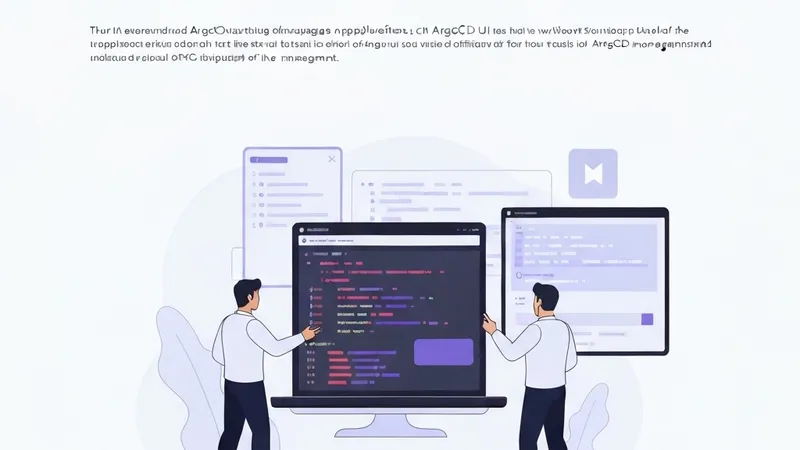
Managing ArgoCD applications typically involves writing Application YAML, configuring sync policies, and switching between the CLI and UI. This process, while functional, can be inefficient. With Kiro CLI and the ArgoCD MCP server, you can perform all these tasks using natural language directly from your terminal—including creating applications, syncing them, checking their health, and viewing resource trees.
Before the advent of GitOps, deploying to Kubernetes was largely a manual process. Developers would write manifests by hand, execute kubectl apply, and then hope for the best. A typical workflow involved manually creating Deployment, Service, and ConfigMap YAMLs, applying them from a local machine, verifying resources were running in the correct namespace, and often forgetting to commit these manifests to Git. This process had to be repeated across various environments, frequently leading to discrepancies between the cluster state and the repository.
Some teams adopted Helm charts, which helped with templating but did not resolve the issue of configuration drift. Others developed custom CI/CD pipelines that ran kubectl apply on merge, an improvement, but still a push-based and inherently fragile method.
GitOps fundamentally changed this paradigm. Instead of pushing changes to the cluster, the desired state is declared in Git, and a controller pulls these changes into the cluster. ArgoCD is the most popular implementation of this pattern; it monitors your Git repository, compares its declared state with the actual state running in the cluster, and automatically reconciles any differences.
While GitOps effectively solves the cluster state consistency problem, the day-to-day management—such as authoring Application manifests, configuring sync policies, and navigating the UI—remains an area where an agentic approach can offer significant benefits. Kiro CLI integrated with the ArgoCD MCP server directly addresses these operational overheads.
Through this setup, users will be able to connect Kiro CLI to their ArgoCD instance via the ArgoCD MCP server. This enables them to create, sync, and monitor ArgoCD applications using natural language directly from their terminal. Furthermore, it facilitates a streamlined workflow for generating Application manifests complete with automated sync and health checks.
The Setup Guide
Before proceeding, ensure you meet the following prerequisites:
- An EKS cluster (or any Kubernetes cluster) with ArgoCD installed
- An ArgoCD API token
- Kiro CLI installed
- Node.js v18+
If you don't have ArgoCD running yet, the quickest path on EKS is:
kubectl create namespace argocd
kubectl apply -n argocd -f https://raw.githubusercontent.com/argoproj/argo-cd/stable/manifests/install.yaml
Then, port-forward to access it locally:
kubectl port-forward svc/argocd-server -n argocd 8080:443Getting Your ArgoCD API Token
The MCP server requires an API token to authenticate with ArgoCD. You can obtain this from the ArgoCD UI:
- Go to Settings → Accounts → admin
- Click Generate New under Tokens
- Copy the token—you'll need it in the next step
Alternatively, you can get it via the CLI:
argocd account generate-token --account adminConnecting Kiro CLI to ArgoCD
Once you have the API token, the next step involves configuring Kiro CLI to connect to the ArgoCD MCP server.