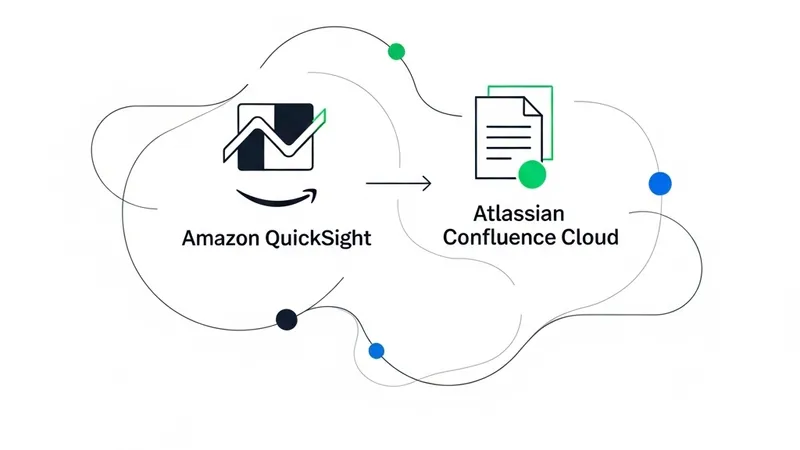
In enterprise collaboration, teams often waste time switching tools, re-searching for context, and manually gathering information when documentation lives in Atlassian Confluence Cloud while related data sits in other siloed systems. These interruptions slow decisions and create gaps between available knowledge and actionable insights. The direct integration between Confluence Cloud and Amazon Quick addresses this pain point by making your Confluence content searchable through natural language queries directly within the Quick interface, significantly reducing context switching.
With this integration, teams can query Confluence pages, retrieve documentation, and update content while simultaneously accessing data from other integrated systems such as Amazon S3, Atlassian JIRA, or other business applications. This post guides you through setting up the Confluence Cloud integration with Quick, which includes creating a knowledge base for semantic search, configuring Actions to query and manage Confluence pages, and organizing resources within Quick Spaces.
Quick integrates with your current enterprise technology stack across three main categories: Actions for executing tasks across connected applications; Knowledge bases for indexing unstructured content like documents and wikis; and Topics and Datasets for natural language querying over structured data sources like Amazon Redshift. This post focuses specifically on Knowledge bases and Actions.
How Actions Work: Actions connect Quick to external systems at the time of a prompt or query, enabling users to read, write, and automate tasks directly within the interface. There are three ways to configure an Action integration:
- Built-in Connectors: Pre-built, configuration-driven integrations for popular tools like Confluence Cloud, Jira, and Salesforce.
- Custom REST APIs: Connecting proprietary or third-party APIs using an OpenAPI specification.
- Model Context Protocol (MCP) Servers: A flexible, standards-based approach allowing dynamic tool discovery from custom or third-party MCP servers.
How Knowledge Bases Work: Unlike real-time Actions, knowledge bases index content before users query it. Quick connects to external systems like Confluence or JIRA, retrieves documents, and builds a searchable index. When a user asks a question, Quick retrieves relevant information from this pre-built index rather than querying the live system, making unstructured content instantly searchable. Together, Actions and knowledge bases offer a complementary and flexible approach to enterprise knowledge management.
[AgentUpdate Depth Analysis] The deep integration of Amazon Quick (Amazon Q) with Confluence marks a significant milestone in the evolution of enterprise AI Agents. Compared to Microsoft Copilot Studio or bespoke corporate RAG solutions, AWS’s integration shines by supporting the Model Context Protocol (MCP). MCP, as an emerging open standard, solves the dual challenges of data silos and API fragmentation within enterprises. By seamlessly blending static "Knowledge Base retrieval" with dynamic "Action execution" via MCP, Amazon Quick shifts AI from a passive Q&A assistant to an active workflow executor. For the broader AI Agent ecosystem, this architecture validates the design pattern of future enterprise agents: they will not be isolated chatbots, but rather orchestrators capable of dynamically discovering tools and reading/writing across disparate enterprise applications via standardized protocols. This sets a robust, production-ready engineering paradigm for building trustworthy, bidirectional interactive agents.