Why Remote Control Claude Code?
Claude Code is a powerful interactive CLI that lives in your terminal. However, there are many scenarios where you need to interact with it away from your desk.
Key Scenarios
- Long Tasks: You start a build or refactor and need to check the result later while away.
- Mobile Access: Checking PR review progress or status on the go via your smartphone.
- Collaboration: Allowing team members to query the bot in a shared chat group.
- Cross-device: Switching from a desktop at work to an iPad at home while keeping the same session.
The Essence of Remote Control
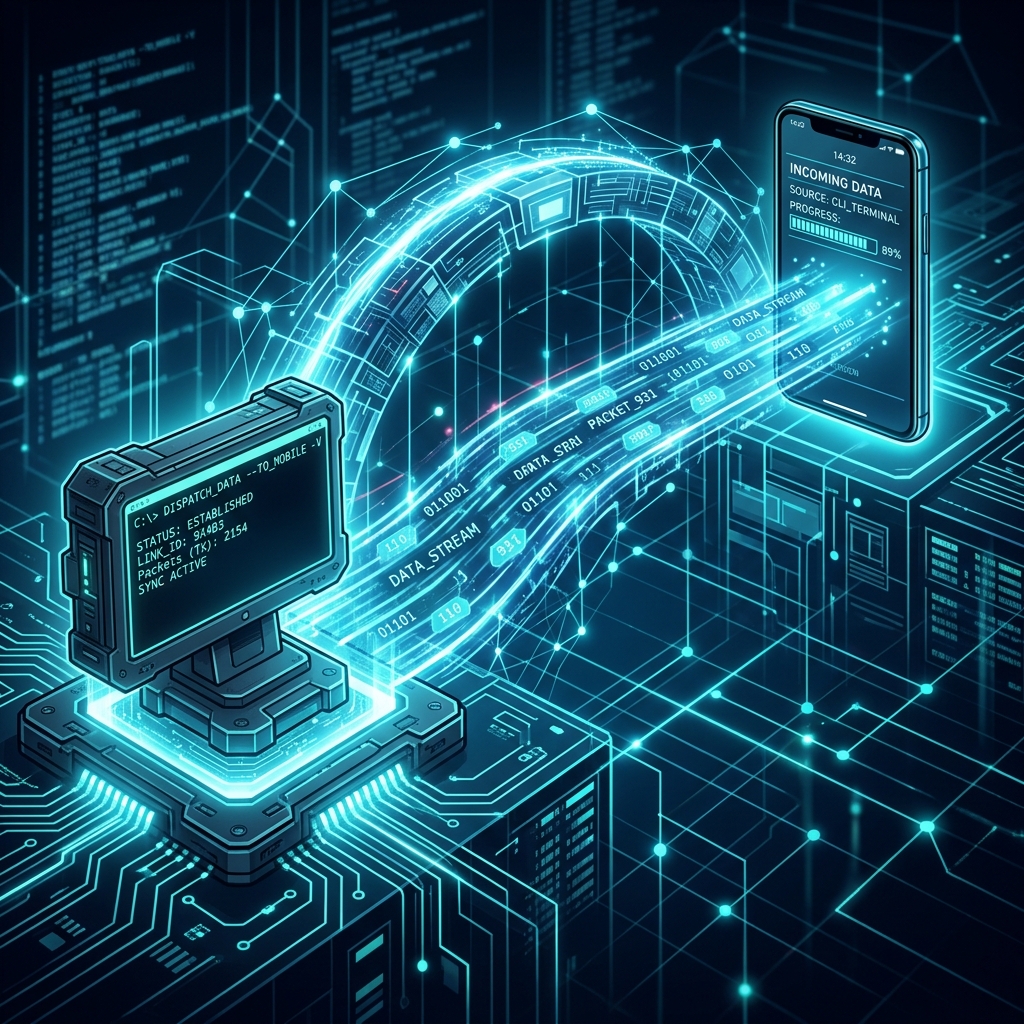
Remote control is about moving the session's input and output to a client that is not at the terminal.
In the Claude Code ecosystem, there are two main paths:
- Official Remote Control: Bridges the local CLI session to
claude.ai/code. - Telegram Plugin: Connects the session via a Telegram bot.