AI companies have been relentlessly pursuing coding agents capable of interacting with computers akin to humans—clicking buttons, scrolling pages, and maneuvering cursors. While the potential is clear, the implementation has often been cumbersome. The objective is to enable agents to operate software identically to people, particularly within web applications and enterprise tools lacking robust APIs or integrations.
Current systems, however, can feel unwieldy, frequently monopolizing browser sessions and processing tasks one screen at a time. OpenAI is addressing this challenge with a new Chrome extension for its Codex system.
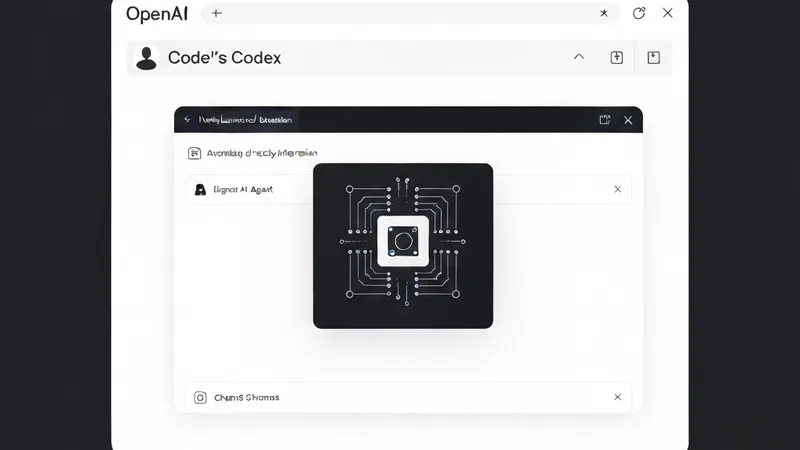
Unveiled on Thursday, the Codex Chrome extension allows AI agents to function directly within a user's live browser session. This grants them access to signed-in websites, multiple tabs, and authenticated workflows without fully taking over the desktop.
The extension bridges Chrome with the Codex application on Windows and macOS, facilitating agent interaction with platforms such as Gmail, Salesforce, LinkedIn, and internal web apps. This interaction leverages the user’s existing browser state, cookies, and logged-in sessions.
This launch expands upon OpenAI's “computer use” capabilities, first introduced in Codex in April, which permitted agents to operate desktop apps and browsers in the background while users worked on other tasks.
OpenAI is now drawing a clearer distinction between generalized computer-use systems and a more browser-centric approach.
Previously, Codex primarily relied on either structured plugins or broader computer-use tooling for browser workflow interactions. Plugins were often preferred as they enabled direct engagement with services like Slack, Gmail, and GitHub without manual interface navigation.
Nevertheless, many critical workflows reside within full web applications, internal dashboards, or authenticated browser sessions that agents cannot readily access through integrations alone.
In a demonstration video accompanying the launch, Dominik Kundel, OpenAI's developer experience lead, highlighted that the new extension bypasses the typical “screenshot, reason, move the mouse” loop common in many computer-use systems, where agents repeatedly analyze on-screen visuals before making the next move.
While Codex could already operate Chrome via its existing computer-use functionality, it treated the browser essentially as another desktop application, interacting visually step-by-step. The new extension, conversely, integrates Codex directly into Chrome, enabling it to work across multiple tabs, logged-in sessions, and browser tasks concurrently.
This distinction is crucial as a significant portion of modern software development and operations increasingly occurs within browser-based SaaS tools, internal dashboards, and authenticated enterprise environments.