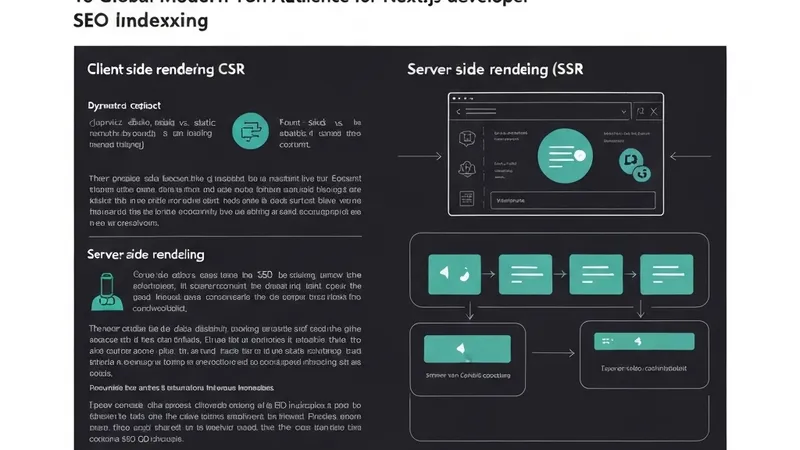
When SEO is discussed, the focus often lands on content, keywords, and backlinks. However, for applications built with modern frameworks like Next.js, the chosen rendering strategy can critically determine whether content is even visible to search engines. This article delves into the technical aspects of SEO, specifically how Next.js App Router's rendering strategies impact crawling and indexing, guiding engineers to make optimal choices.
The Core Problem: Google’s View vs. User Experience
Search engines do not experience your site like a browser with full JavaScript execution. Google employs a two-phase indexing process:
- Initial crawl: Scans the raw HTML.
- Deferred rendering: Executes JavaScript later, when resources allow.
This gap is a common source of problems. If a page heavily relies on Client-Side Rendering (CSR), its initial HTML will often be a nearly empty shell, like <body><div id="root"></div><script src="bundle.js"></script></body>. At the initial crawl stage, virtually no content is present. While Google can render JavaScript eventually, this process is delayed, resource-limited, and not guaranteed. The result: your page may be indexed late, or potentially not at all.
Mapping Rendering Strategies to SEO
Within the Next.js App Router, every component is a Server Component by default, which presents a significant advantage for SEO.
- Client-Side Rendering (CSR)
- How it works: Developers opt-out of server rendering using
"use client". Data fetching typically occurs withinuseEffecthooks. - SEO Impact: ❌ Produces empty initial HTML. ❌ Heavily relies on Google executing JavaScript.
- When it's okay: Best suited for authenticated dashboards or internal tools where SEO is not a priority.
- How it works: Developers opt-out of server rendering using
- Server-Side Rendering (SSR)
- How it works: The server renders the page on every request. This is triggered, for example, when using
headers()orcookies()to create dynamic content. - SEO Impact: ✅ Content is immediately available and reliably visible to search engines.
- How it works: The server renders the page on every request. This is triggered, for example, when using
- Static Site Generation (SSG)
- How it works: HTML is generated at build time. This is the default rendering strategy in the App Router.
- SEO Impact: ✅ Offers the fastest content delivery and is fully indexable by search engines.
- Incremental Static Regeneration (ISR)
- How it works: Static pages are regenerated in the background at predefined intervals.
- SEO Impact: ✅ Effectively combines the benefits of performance with content freshness, making it ideal for blogs and product catalogs.
Verification: What Google Actually Sees
Never guess; always inspect the raw HTML that search engines receive.
- The
curltest: Runcurl https://your-site.com. If the output lacks your primary content, your site has an SEO risk. - View Page Source: Right-click in the browser and select "View Page Source" (critically, avoid the DevTools Elements tab, which shows the live DOM).
- Search Console: Utilize the "URL Inspection" tool to see precisely how Googlebot rendered your specific page.
The Link Between Rendering and Core Web Vitals
SEO extends beyond just indexing; overall site performance is a significant ranking factor.
- LCP (Largest Contentful Paint): Static or dynamic rendering ensures content is present in the initial byte, leading to much faster LCP scores.
- CLS (Cumulative Layout Shift):