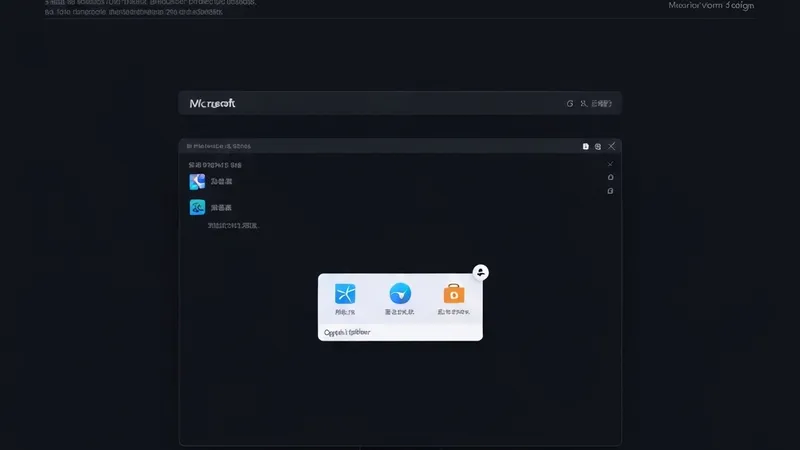
Microsoft's Copilot AI assistant is reportedly undergoing a significant design iteration, with the company internally testing a new 'pinnable sidebar' feature. This innovation aims to enhance Copilot's accessibility, allowing the AI helper to remain a persistent and readily available companion, offering intelligent services regardless of the application a user is actively engaged with.
However, the revelation of this design has quickly ignited discussions and concerns, predominantly centered around its potential to 'steal screen real estate.' For professionals who prefer full-screen workflows, operate with limited monitor sizes, or frequently manage multiple application windows, a persistently fixed sidebar could noticeably encroach upon valuable workspace, potentially impacting visual efficiency and overall operational fluidity.
Based on current insights, this pinnable Copilot sidebar appears to extend the functionality seen in Microsoft Edge's existing sidebar concept. It is designed to provide quick access to Copilot's diverse AI capabilities, which may include summarizing documents, generating code snippets, drafting emails, or assisting with complex creative tasks. While options for hiding or showing via keyboard shortcuts or a dedicated button are likely, the 'pinnable' nature suggests a default state of being anchored to one side of the screen, becoming a semi-permanent fixture of the user interface.
This move clearly reinforces Microsoft's strategic ambition to deeply integrate artificial intelligence into the Windows operating system, striving for ubiquitous AI presence in daily workflows. Nevertheless, the critical challenge for Microsoft will be to strike a delicate balance: ensuring AI services are always within reach without disrupting core user workflows, especially concerning the management of precious screen space. User reception and market adoption will ultimately determine the success and long-term viability of this 'always-on' AI assistant design.