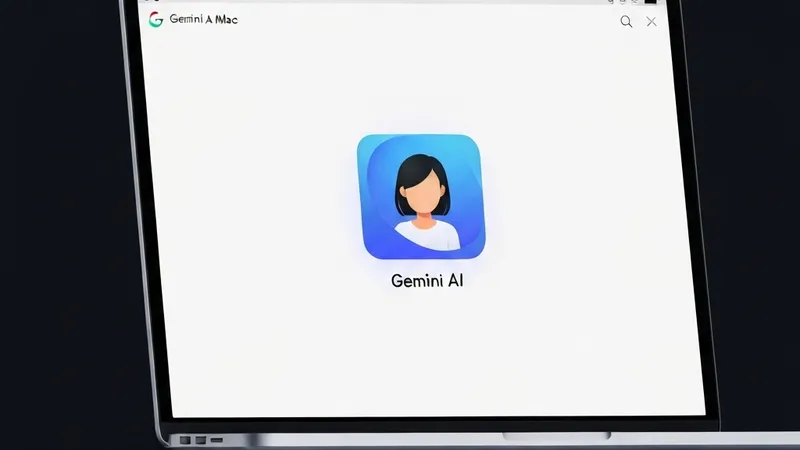
Google has officially launched its Gemini AI desktop application for Mac, enabling users to interact with the AI assistant directly without needing to switch between windows. The new app allows users to invoke a floating chat bubble via the Option + Space shortcut, where they can pose questions to Gemini and opt to share their current window for context-aware assistance.
Prior to sharing a window, users must grant Gemini permission to access their system information. Once authorized, the AI assistant can extract information from what the user is viewing, providing more precise answers and support.
The interaction style of the Gemini Mac app bears some resemblance to Apple's enhanced Spotlight, which now facilitates device actions and access to AI models like OpenAI's ChatGPT. This move positions Google to compete directly with companies such as Anthropic, OpenAI, and Perplexity, all of whom aim for their chatbots to become the primary AI model on desktop devices.
However, it's worth noting that ChatGPT and Anthropic's Claude app for Mac currently offer more advanced capabilities than Gemini, allowing their AI assistants to perform tasks on behalf of the user directly on the computer. Similar to its web and mobile counterparts, the Gemini Mac app supports uploading files, photos, or documents from Google Drive, and utilizing Gemini to generate images, videos, or music. Users can also revisit past Gemini conversations linked to their Google account through the app.
This Mac app launch follows closely on the heels of Google's widespread release of its Spotlight-like AI application for Windows, occurring just one day prior. The Gemini app supports macOS Sequoia (15.0) and later, and is available for free download in all languages and countries where Gemini is supported.