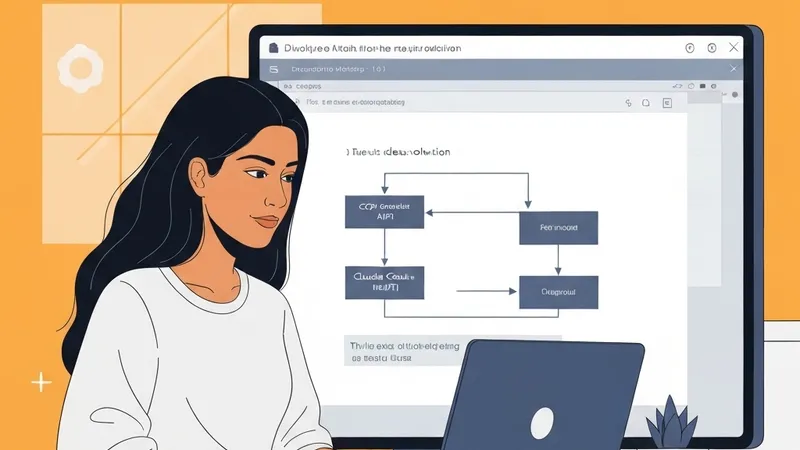
In the realm of AI development, integrating resources and managing costs are common hurdles. The author's team encountered a specific challenge: they possessed Google Cloud Platform (GCP) credits intended for AI model inference, yet their preferred tool, Claude Code, primarily interacted with Anthropic's Messages API, not the Anthropic models hosted on Vertex AI. This misalignment between API expectations and billing platforms led to redundant API key management, fragmented quotas, and complex billing.
To circumvent this, the author successfully implemented a local gateway solution, rerouting Claude Code's requests to Vertex AI, thus enabling the utilization of GCP credits for Anthropic model operations.
The Technical Mismatch
Directly connecting Claude Code to Vertex AI reveals significant API endpoint disparities.
- Claude Code anticipates requests conforming to Anthropic's specification:
POST /v1/messages- Specific Anthropic headers
- Anthropic content blocks
- Anthropic streaming semantics
- Conversely, Vertex AI for Claude models routes requests to endpoints like:
.../publishers/anthropic/models/claude-sonnet-4-6:rawPredict- And for Gemini models, it uses:
.../publishers/google/models/gemini-2.5-pro:generateContent
This necessitates an intermediary capable of seamlessly accepting Claude Code's Anthropic-compatible requests and translating them into the format understood by Vertex AI.
The Solution: Leveraging CliGate as a Local Gateway
The author employed CliGate, a versatile local gateway, as this crucial intermediary. CliGate excels at unifying and routing requests from various CLI tools, such as Claude Code, Codex CLI, and Gemini CLI, to multiple upstream providers.
For this specific setup, CliGate's advantage lies in its ability to treat Vertex AI as just another API-key-backed upstream service. Configuring Vertex AI within CliGate involves storing the following key details:
type: vertex-aiprojectId(GCP project ID)location(GCP region)
Notably, the apiKey field can directly accommodate the complete Google service account JSON configuration, rather than a simple API key string.
5-Minute Setup Guide
Here’s a streamlined guide to connect Claude Code with Vertex AI using CliGate:
1. Start the CliGate Gateway
Initiate CliGate from your local terminal:
npx cligate@latest startThe default management dashboard will be accessible at http://localhost:8081.
2. Add Vertex AI as an API Key Provider
This can be done via CliGate's dashboard or directly using a cURL command:
curl -X POST http://localhost:8081/api/keys \
  -H "Content-Type: application/json" \
  -d '{
    "type": "vertex-ai",
    "name": "vertex-work",
    "apiKey": "{\"type\":\"service_account\",\"project_id\":\"my-project\", ... }",
    "projectId": "my-project",
    "location": "us-central1"
  }'
It's important to remember that the apiKey field expects the full Google service account JSON object.
3. Point Claude Code to the Local Gateway
Configure Claude Code to send its requests to your locally running CliGate instance by setting environment variables:
export ANTHROPIC_BASE_URL=http://localhost:8081
export ANTHROPIC_API_KEY=any-key
claude
With this setup, Claude Code continues to interact as if it's communicating with an Anthropic-compatible server. In reality, CliGate acts as the routing layer, forwarding these requests to Vertex AI based on its configuration, thereby leveraging existing GCP credits for Anthropic model inference tasks.
Practical Benefits
This method not only enables developers to efficiently utilize their existing GCP credits, avoiding additional API key management and scattered billing, but also offers the flexibility to switch underlying AI service providers without altering current tool usage habits, optimizing resource allocation.