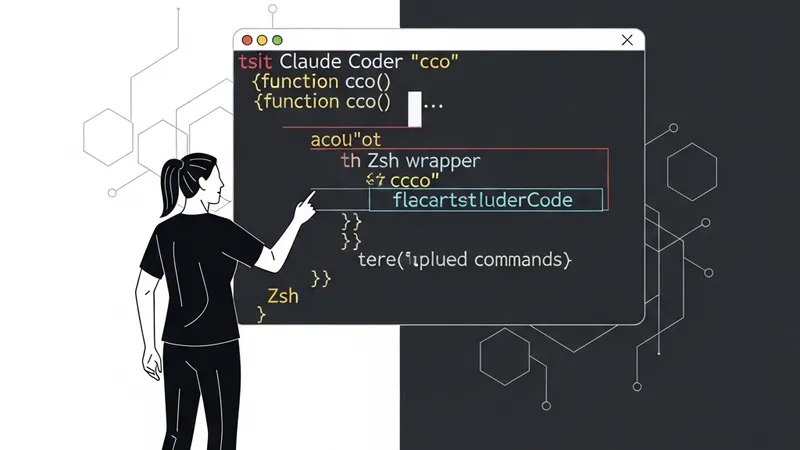
After two weeks of intensive daily use, a developer crafted a 60-line Zsh wrapper, named cco, for Claude Code. This wrapper effectively pre-configures over 50 command-line flags, streamlining interaction with the AI assistant. The true value of this project lies not just in the wrapper itself, but in the meticulous decision-making process behind its creation, offering critical insights for anyone serious about optimizing their Claude Code workflow.
Decision 1: Function over Alias or Shell Script
The initial impulse might be to use an alias (e.g., alias cc="claude --permission-mode acceptEdits ..."). However, this quickly becomes impractical for scenarios requiring subcommands like cco plan, cco safe, or cco review, as aliases lack the branching capability based on arguments.
A standalone shell script, placed in ~/.local/bin/cc, was the next consideration. While suitable for many stateless commands, it suffers from spawning a subshell. This can lead to significant issues when wrapping interactive processes that demand direct access to the parent terminal's TTY – crucial for correct tmux attachment or prompt rendering. Although it might appear to work during initial testing, such an approach frequently exhibits peculiar behavior in more complex, real-world edge cases.
The chosen solution was a Zsh function. Functions execute directly within the current shell environment, ensuring clean TTY inheritance. This design inherently supports subcommand dispatch and allows for sophisticated tab completion through compdef. The primary trade-off is its limited portability; it would require a complete rewrite for Bash users, a compromise acceptable for a personal developer tool.
Decision 2: Naming: cc vs. cco
The developer initially opted for cc, a concise and mnemonic abbreviation for "Claude Code." However, a crucial check against existing aliases and system commands revealed potential conflicts. While cl was already taken by cargo clippy --all-targets, the name cc on macOS symlinks to the C compiler at /usr/bin/cc. Although a Zsh function would indeed take precedence in an interactive shell, shadowing the system command, programmatic calls via execvp would not see the shell function.
A significant risk emerged from the Rust ecosystem, specifically the cc crate (used by many dependencies like openssl-sys and ring), which occasionally invokes cc through shell wrappers in its build scripts. While the probability of encountering such a conflict might be low, the debugging complexity of an inexplicable build failure would be exceptionally high.
Consequently, the wrapper was renamed to cco. This minor increase of one keystroke was deemed a worthwhile investment to preempt potential system-level conflicts and obscure debugging scenarios. This decision underscores the critical importance of performing due diligence – such as grepping alias files and using type <name> – before committing to a short command name.
Decision 3: Externalizing the System Prompt
Initially, it might seem convenient to inline the system prompt directly within the function using the --append-system-prompt "string" flag. However, system prompts are prone to significant growth and evolution; the developer's prompt, for instance, expanded from three lines to nearly thirty.
Editing a lengthy, multi-line string containing complex text and escape characters directly within a shell function is inherently painful and error-prone. This approach complicates maintenance, version control, and readability. By externalizing the system prompt into a separate file, the developer achieved a much more manageable and editable setup, simplifying future modifications and ensuring clearer separation of concerns.