Much of the confusion in Azure DevOps starts before the first pipeline even runs. Teams often dive into the portal, create a few repos and boards, and keep moving. While this works initially, months later, ownership becomes blurry and shared code management becomes a mess. This is usually not a tooling problem; it is a structure problem.
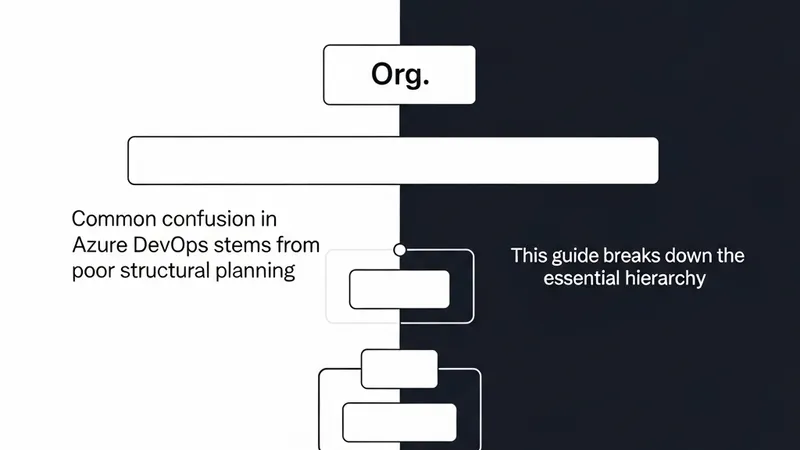
A clean Azure DevOps layout ensures that permissions stay manageable, pipelines stay easy to reason about, and new developers can understand the system faster. The standard hierarchy follows this path: the Organization is the top-level container, Projects sit inside the organization, and Repos sit inside projects. Pipelines, boards, artifacts, and permissions usually attach at the project level and then get refined further.
The Organization represents the highest-level workspace. In most enterprise setups, one organization maps to one company, one startup, or one major business unit. It functions as the outer shell that owns users, billing, global access patterns, and the set of projects. A good default is: one company = one organization. Splitting organizations too early creates extra administrative work and hampers cross-team visibility, unless there are hard requirements like legal separation or isolated billing.
The Project is where teams make their main structural decisions. This is the level where Azure DevOps becomes a working delivery environment. A project commonly groups boards, repos, pipelines, service connections, and artifacts. The clean mental model is: one project = one product, platform, or delivery stream. Examples include a customer web platform or an infrastructure automation platform. Note that one project does not always mean one microservice; creating too many projects makes navigation and management unnecessarily complex.
The Repo is where the actual code lives. Inside a project, you can have one or many repos depending on how your system is built. A repo typically represents a single application or a specific component within the project’s ecosystem.