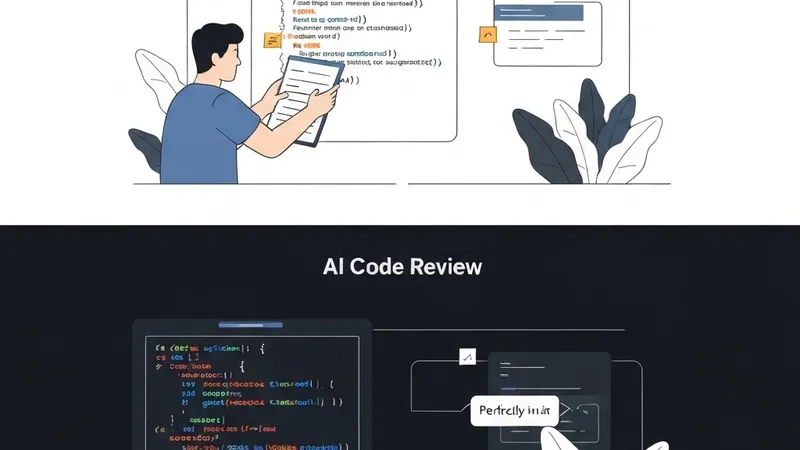
You've integrated AI into your code review workflow. It successfully flags unused imports, suggests better variable names, and catches missing null checks. However, it consistently misses the most critical issues: logic bugs.
This article explains why AI often fails to detect logic bugs and presents a four-step prompt strategy to fix this.
Why AI Misses Logic Bugs
AI code review tools typically analyze code locally. They examine the diff, the specific file, and sometimes a few related files. Yet, they lack crucial contextual understanding:
- Feature Intent: What is the business logic this feature is supposed to accomplish?
- Prior Behavior: What was the system's previous behavior? What are the regression risks?
- System Interaction: How does this code interact with the rest of the system? Could it lead to integration bugs?
- User Expectation: What does the user anticipate will happen? Are there UX implications?
Without this broader context, AI reviews primarily optimize for code quality—clean syntax, good patterns, and consistent style. While valuable, this isn't where critical production bugs typically reside.
Production logic bugs emerge from the discrepancy between what the code does and what it should do.
The 4-Step Fix
Step 1: Provide the AI with the Specification, Not Just the Code
Before presenting the code diff, offer a 2-3 sentence description outlining what this change is intended to achieve. For instance:
This PR adds rate limiting to the /api/upload endpoint.
Expected behavior: max 10 uploads per user per hour.
If exceeded, return 429 with a Retry-After header.
Without this, AI reviews how you wrote the code. With it, AI can assess whether the code correctly implements the desired functionality.
Step 2: Request Specific Bug Categories
Generic "review this code" prompts yield generic reviews. Instead, ask the AI to scrutinize specific failure modes, such as:
Review this diff for:
1. Cases where the rate limit could be bypassed.
2. Race conditions in the counter increment.
3. Edge cases: what happens at exactly 10 requests? What happens at counter reset?
4. What happens if Redis is down?
This approach compels the AI to analyze behavior rather than just code style.
Step 3: Include a Failing Scenario
Provide the AI with a concrete scenario to trace through the code:
Trace this scenario through the code:
- User uploads file #10 at 14:59:59.
- User uploads file #11 at 15:00:01.
- The hourly window resets at 15:00:00.

Does the counter reset correctly? Can the user upload at 15:00:01?
Scenario tracing is crucial for uncovering timing bugs, off-by-one errors, and boundary conditions that pattern-matching reviews would completely miss.
Step 4: Ask "What Could Go Wrong in Production?"
This is arguably the most valuable question, yet it's frequently overlooked:
Assuming this code is deployed to production with 10,000 concurrent users:
- What could break?
- What could be slow?
- What could be exploited?
This shifts the AI's focus from merely "does this code look correct?" to "will this code robustly survive in a high-concurrency production environment?"