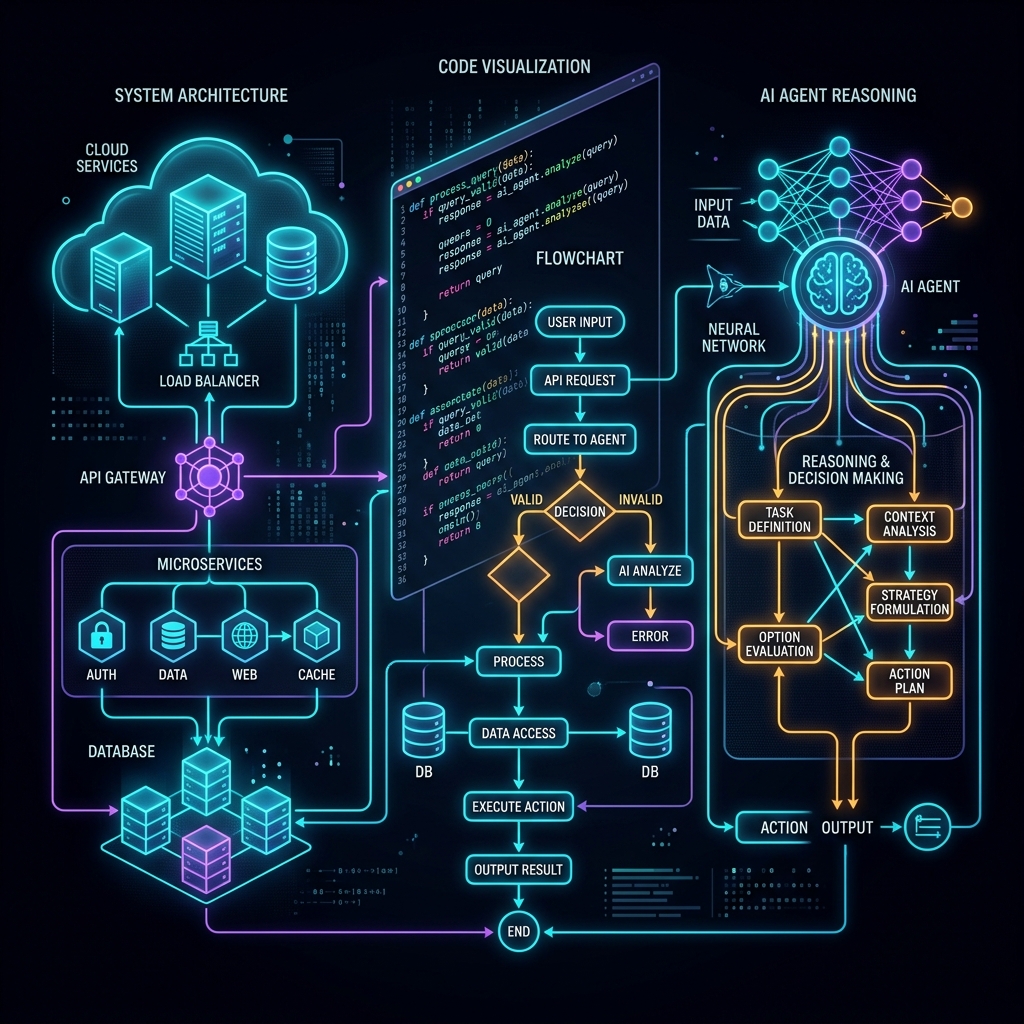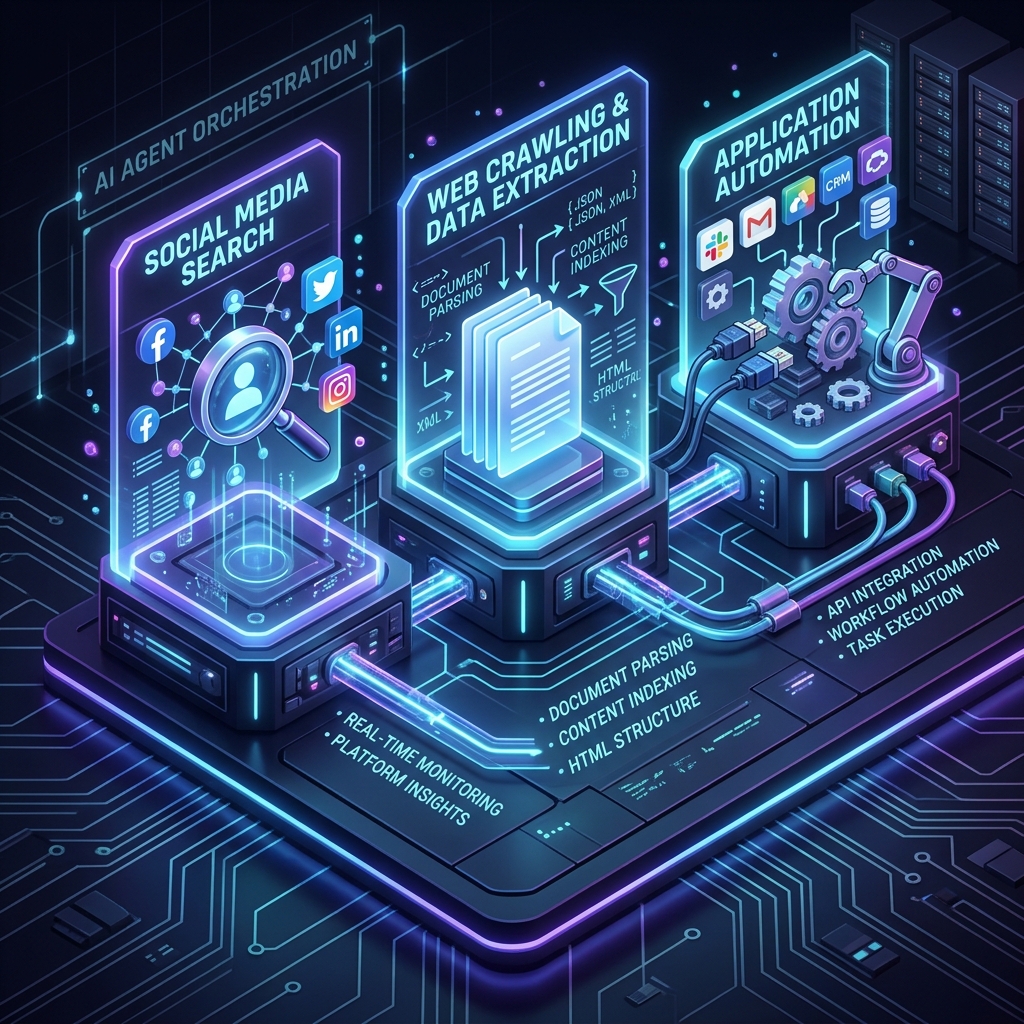
In modern website traffic acquisition strategies, Search Engine Optimization (SEO) remains an irreplaceable source of long-term organic traffic. As Google's only official "search engine window," Google Search Console (GSC) records essential metrics such as impressions, clicks, click-through rate (CTR), and long-tail keyword rankings on search engine results pages (SERPs).
For beginners, logging into the GSC dashboard manually to inspect reports and analyze curves is daily homework. For advanced webmasters and engineering teams, leveraging the GSC API to automate indexing status diagnostics is the standard next step.
However, in the AI era, a brand new paradigm has emerged—Model Context Protocol (MCP). By packaging the GSC API as an MCP service, we can connect AI assistants directly to our website's real-time data. Like having a 24/7 "Chief SEO Auditor" on staff, we can diagnose indexing errors, identify long-tail keyword opportunities, and adjust titles and metadata through simple natural language conversations.
This article provides an in-depth look at GSC API, MCP technology, and a complete step-by-step setup and practice guide.
1. Why Traditional GSC APIs are Intimidating
Google provides a powerful Search Console API that allows developers to retrieve core search data, sitemap metrics, and URL inspection details. However, for most small teams and individual developers, the traditional API workflow has three major pain points:
- Complex Authentication: Google APIs rely on OAuth 2.0. Configuring credentials, obtaining refresh tokens, and writing logic to automatically refresh access tokens requires significant boilerplate code.
- Scattered Data Without Insights: The API returns cold, raw JSON payloads. Figuring out "quick wins" (e.g., keywords with high impressions but low click-through rates ranking in positions 4-10 on page one) requires writing custom post-processing and sorting algorithms.
- URL Inspection Quota Limits: The GSC API does not offer a site-wide, single-request indexing coverage overview. Diagnosing large-scale indexing issues (e.g., "7,280 pages not indexed" due to redirect loops or 404s) requires querying URLs individually, which is slow and resource-intensive.
2. The AI Era Gateway: What is Model Context Protocol (MCP)?
To break down the information silos of Large Language Models (LLMs), Anthropic introduced the open-source Model Context Protocol (MCP).
Simply put, MCP is a standardized communication protocol that acts as an "API wrapper" for AI. It allows AI clients (such as Claude Desktop, Cursor, and Claude Code) to invoke local or remote Tools, Resources, and Prompts using a unified JSON-RPC format.
Below is the interaction sequence of an AI assistant querying Google Search Console via MCP:
sequenceDiagram
    autonumber
    actor User as Webmaster / Developer
    participant Agent as AI Assistant (e.g., Claude Code)
    participant Client as MCP Host Client
    participant Server as GSC MCP Server (mcp-gsc)
    participant API as Google Search Console API

    User->>Agent: "Find the top 5 long-tail keywords by clicks last week"
    Agent->>Client: Call tools/call (search_analytics)
    Client->>Server: JSON-RPC Request (execute search_analytics)
    Note over Server: Read local credentials & auto-refresh token
    Server->>API: HTTP POST Request (Google API endpoints)
    API-->>Server: Return JSON Search Analytics
    Server-->>Client: Return standardized JSON-RPC response
    Client-->>Agent: Pass formatted tool output (Markdown)
    Agent->>User: Render table with target SEO optimization recommendations
With this architecture, the AI assistant is no longer just a code generator but a smart Agent capable of querying search statistics, analyzing trends, and suggesting actionable solutions.
3. Comparing GSC MCP Servers and Selection Guide
In production setups, beside the mcp-gsc package we use, the developer community has introduced other robust GSC MCP servers. They differ in focus areas and credentials support, letting you choose based on project scope and security needs:
① `mcp-gsc` (Maintained by AminForou / pijusz)
This is the most popular Node.js server in the community and the one we use for our practical guide.
- Key Features: Light-weight, supports on-the-fly execution via
npxwithout global installations. It wraps GSC endpoints into easy-to-use tools:list_sites: Lists all verified properties.search_analytics: Queries search performance data by query, page, device, and country.inspect_url: Returns Google indexing status, canonical settings, and crawl times for individual URLs.list_sitemaps/submit_sitemap: Manages站点地图.
- Auth Support: Uses Google OAuth 2.0 desktop authorization flow, saving and refreshing the token locally—ideal for local development and individual webmasters.
② `suganthan-gsc-mcp` (Maintained by Suganthan)
Designed for deep technical SEO audits and bulk data processing.
- Key Features: Exposes more than 20 advanced tools, including built-in keyword opportunity detection and keyword cannibalization auditing.
- Best Used For: Professional SEO consultants and content strategy teams requiring granular semantic auditing.
③ `mcp-server-google-search-console` (Maintained by LobeHub)
A corporate-ready GSC MCP implementation.
- Key Features: Enterprise-grade structure that supports both OAuth and Google Service Account credentials (authenticates non-interactively using a service account key JSON file without requiring browser logins).
- Best Used For: Running on cloud servers, CI/CD automated deployment pipelines, or Multi-Agent orchestration environments where browser pop-ups are impossible.
4. Setting Up GSC MCP locally
To connect the GSC MCP server to your AI assistant, you need a Google Cloud project and download client credentials:
Step 1: Download Google Client Secrets
- Go to the Google Cloud Console.
- Create a project and enable the Google Search Console API.
- Configure the OAuth Consent Screen (Choose External, add your email as a test user).
- Navigate to Credentials -> Click + Create Credentials -> Select OAuth client ID (Application type: Desktop App).
- Download the client secrets JSON file and save it locally as
client_secret.json.
Step 2: Configure your MCP Client
Add the GSC server to your client's configuration file (such as mcp_config.json), passing the path to your secret file as an environment variable:
{
  "mcpServers": {
    "gsc-oauth": {
      "command": "npx",
      "args": [
        "-y",
        "mcp-gsc"
      ],
      "env": {
        "GOOGLE_GSC_CREDENTIALS_PATH": "/Users/your-username/.gemini/antigravity/client_secret_xxxx.json"
      }
    }
  }
}
The first time you run a query, the terminal will print a Google OAuth URL. Copy and open it in your browser, complete the login, and GSC MCP will save the token locally for all future requests.
5. Three Practical Cases: Auditing SEO with Natural Language
Here are three real-world examples of how we used this setup to audit and optimize agentupdate.ai.
Case 1: Finding Keyword "Quick Wins"
Prompt:
"Search GSC performance data over the last 30 days. Find all long-tail keywords with impressions > 100, average rank between 4 and 10, but click-through rates (CTR) lower than average. I want to optimize their HTML titles and meta descriptions."
AI Behind-the-Scenes Actions:
- Calls
search_analyticsgrouping by['query', 'page']. - Filters the records where
position >= 4 && position <= 10andctris underperforming. - AI Output Report:
- Keyword: "claude code install openspec" -> Landing URL
/tutorial/claude-openspec-tutorial/lesson-06. - Diagnosis: The page ranks on page one of Google (rank #6) but receives zero clicks. The search snippet description is not enticing enough.
- Fix: Changes title to: "Step 6: How to Install Claude Code via OpenSpec (Complete CLI Guide)" and appends an action-driven CTA to the description.
- Keyword: "claude code install openspec" -> Landing URL
Case 2: Inspecting Large-Scale Redirect/Not Indexed Errors
Prompt:
"Google Search Console lists thousands of pages in the 'Page with redirect' category. Can you inspect a few news pages to make sure our Canonical tags and 301 redirects are working correctly?"
AI Behind-the-Scenes Actions:
- Calls
inspect_urlfor/zh/news/microsoft-internal-shift-github-copilot-cli/(with trailing slash). - Analysis: The result shows
indexingStatus: "NOT_INDEXED"due toPage with redirect. The inspect response indicates it correctly redirects to/zh/news/microsoft-internal-shift-github-copilot-cli(without slash). - Auditing Conclusion: This is correct behavior. Since our BaseLayout layout strips trailing slashes and sets the canonical URL without slash, Google correctly ignores the duplicate path. No manual fixes are required.
Case 3: Monitoring Sitemap Indexing Health
Prompt:
"List all submitted sitemaps, check their last crawl status, and report any errors Google flagged."
AI Behind-the-Scenes Actions:
- Calls
list_sitemapsto extract sitemap URLs. - Parses the response for
lastCrawled,lastSubmitted, anderrors. - Flags any issues and suggests syntax corrections if sitemaps fail.
6. Conclusion: Build Your AI-First SEO Workflow
Model Context Protocol (MCP) bridges the gap between static LLM reasoning and live, private metrics. Instead of exporting CSV files manually and switching between tabs, the AI Assistant + mcp-gsc stack closes the loop:
- Observe: Use conversational prompts to fetch immediate SEO reports.
- Diagnose: Let the AI drill down into indexing parameters and canonical URLs.
- Resolve: Ask the AI to write meta descriptions, update layouts, or inject FAQ schema.
By connecting GSC MCP to your AI-native workspace, you turn SEO optimization from a manual routine into an automated, data-driven cycle.