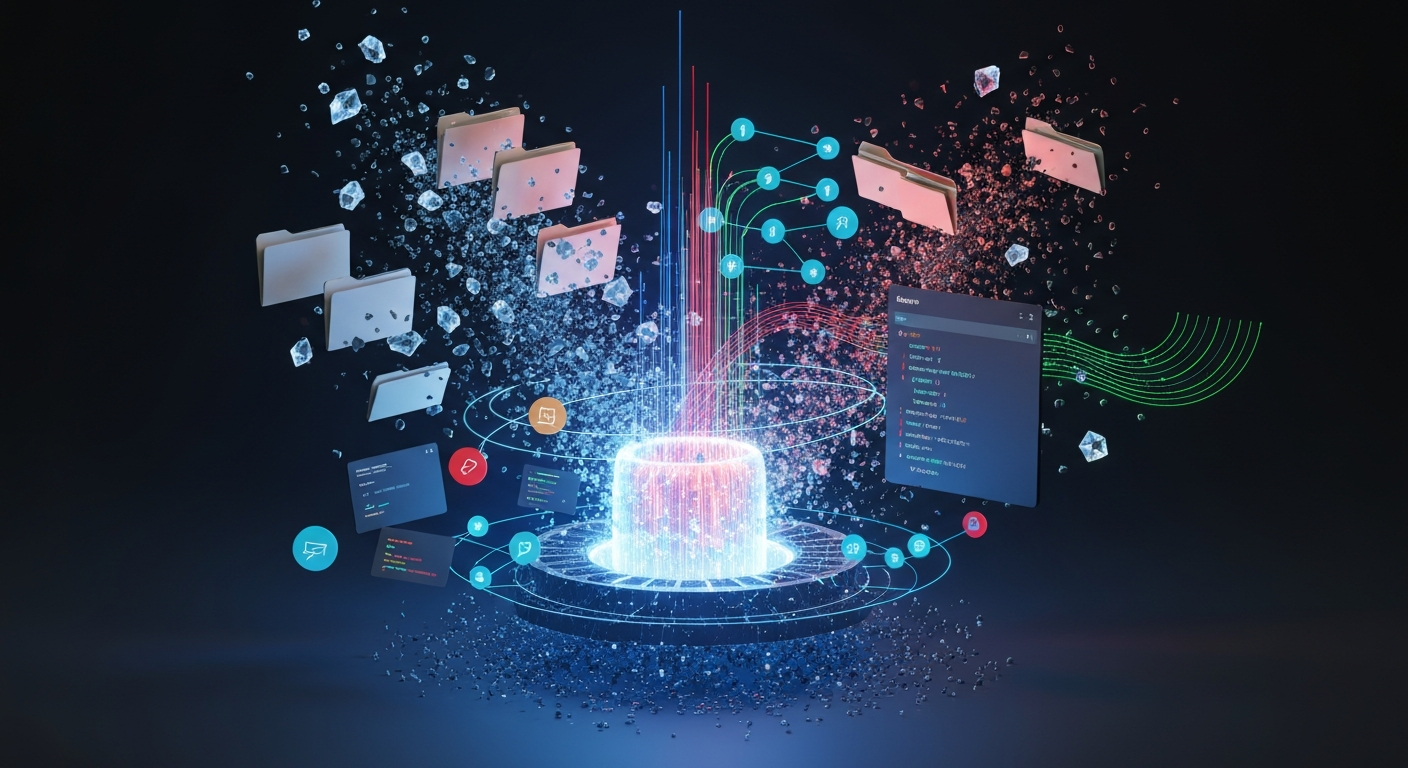
Yesterday, I closed my laptop and prepared for bed. However, on a Google Cloud virtual machine, an entity named Spark continued to "run errands" on my behalf. It was parsing through dozens of my past emails, extracting my writing tone, and preparing to schedule this week's to-do list into my calendar before 9:00 AM the next day.
In all my years of writing code and utilizing various tools, this was the first time I truly experienced the formidable power of "delegation." It was no longer a case of "I ask the AI a question, and it returns a snippet of code or text." Instead, it was: "I assign a task, and while I sleep, the AI navigates across multiple software applications to complete the work on my behalf."
At the 2026 Google I/O conference, Google dropped a bombshell: Gemini Spark. In this article, we will explore what this AI Agent—claiming to operate 24/7—actually is, how its underlying architecture functions, and how everyday users can leverage it to save immense amounts of time and effort.
Chatting vs. Working: A Fundamental Paradigm Shift in AI
Many beginners' understanding of AI remains stuck in the era when ChatGPT was first released. Let us establish a straightforward comparison:
- Traditional AI (Chat Mode): You input a Prompt -> It outputs a block of text -> The conversation ends. This is a Chatbox. You still have to manually copy the text, send the email, or create the document. Ultimately, you are the one doing the work.
- Gemini Spark (Work Mode): You set an objective -> It autonomously breaks down the steps -> It accesses your email, documents, and calendar -> It sends you a notification once the task is complete. This is a Virtual Employee. During this process, it does not matter if your computer is powered off.
Google refers to this as "Long-horizon Execution." To support this capability, Spark relies on a highly robust combination of hardware and architectural design.
Deconstructing Spark: Three Pillars and Underlying Architecture
Spark's evolution from a mere "tool" to an "employee" relies entirely on its three core pillars: Tasks, Skills, and Schedules.
1. Tasks (One-off Assignments)
These are ad-hoc, one-time errands you assign casually. For example: "Find the most important invoice files from the past 30 days in my Google Drive and categorize them into a spreadsheet."
2. Skills (Train Once, Use Forever)
This is the killer feature I find most compelling. Previously, the biggest pain point of using AI to write emails was the "lack of soul"—the output clearly looked machine-generated, requiring extensive manual editing every time.
With Skills, you can approach it like this: feed Spark 50 emails you have personally written, allowing it to analyze your sentence structures, vocabulary habits, and even the rhythm of your punctuation. You can then name this skill "Ghostwriter." From then on, whenever you ask it to draft an email, it will write directly in your tone, requiring only a quick glance before sending. This is a classic "one-time investment, lifelong compound interest" strategy.
3. Schedules (Time or Condition-Triggered Plans)
You can think of this as an advanced Cron Job. For instance: Every Monday at 8:55 AM, scan last week's inbox, extract urgent emails that must be replied to this week, prioritize them, and automatically block out two hours of "Deep Work" time on your calendar.
To help beginners visualize this process more intuitively, I have mapped out a business workflow diagram:
sequenceDiagram
    participant User as Programmer Wang (User)
    participant Trigger as Schedules (Timer Trigger)
    participant Spark as Gemini Spark (Agent)
    participant Gmail as Google Mail (Gmail)
    participant Calendar as Google Calendar (Calendar)

    User->>Trigger: Set rule: Execute "Weekly Schedule" every Monday at 8:55
    loop Every Monday Morning
        Trigger->>Spark: Wake up Spark VM
        Spark->>Gmail: Scan last week's unread/important emails
        Gmail-->>Spark: Return 50 email records
        Spark->>Spark: Invoke "Ghostwriter" skill, extract priorities
        Spark->>Calendar: Avoid existing meetings, block 10:00-12:00 for deep work
        Calendar-->>Spark: Calendar successfully blocked
        Spark-->>User: 9:00 Push notification: Wang, tasks are scheduled, awaiting your confirmation
    end
How Does It Run Under the Hood? Don't Be Fooled by Big Tech Jargon
As technical professionals, we need to look under the hood. How exactly does Spark manage to keep running even when your computer is turned off?
- The Brain: Gemini 3.5 Flash. This is Google's newly released large language model (LLM). It is characterized by extreme speed and support for very long context memory. It even outperforms its older sibling, the Pro version, in benchmark scores for processing actual business tasks.
- The Body: Dedicated Cloud VM (Virtual Machine). Your Spark instance runs in an isolated sandbox on Google Cloud, ensuring it remains online 24/7. This also means it holds your Login State, allowing it to genuinely access your accounts to perform work.
- The Nervous System: Antigravity Harness. This is an execution framework specifically developed by Google for Agents. It is responsible for breaking down complex tasks into smaller steps and can recover the state if an interruption occurs midway.
- The Hands: MCP (Model Context Protocol). This is the most impressive part of the entire system. MCP is an open-source interface standard introduced by Anthropic (the parent company of Claude). Through MCP, Spark can not only navigate the Google ecosystem but also directly connect to GitHub to check errors, read documents in Notion, or even buy groceries on Instacart.
A Hardcore Bonus for Developers: What Does It Look Like at the Code Level?
Although Spark provides a graphical user interface for general users, Google offers developers the Go-based Antigravity CLI (Command Line Interface). To help you understand the configuration logic of the Agent, I have simulated a configuration file that registers a "Skill" and a "Schedule," complete with highly detailed comments to ensure it is easily understood at a glance:
{
  // This is a simulated Spark Agent task configuration file
  "agent_config": {
    "name": "Monday_Morning_Routine",
    "model": "gemini-3.5-flash", // Specifies the underlying brain model to use

    // Defines the trigger (Schedules), using a Cron-like expression here
    "trigger": {
      "type": "schedule",
      "cron": "55 8 * * 1", // Meaning: Triggers exactly at 8:55 AM every Monday
      "timezone": "Asia/Shanghai"
    },

    // Defines the task workflow (Tasks)
    "workflow": [
      {
        "step_id": "read_emails",
        "action": "mcp.gmail.search", // Calls the Gmail search API via the MCP protocol
        "params": {
          "query": "is:unread OR label:important newer_than:7d" // Fetches unread or important emails from the past 7 days
        }
      },
      {
        "step_id": "generate_todo",
        "action": "antigravity.reasoning", // Invokes the reasoning engine of the Antigravity framework
        "depends_on": ["read_emails"], // Must wait for the previous email-reading step to complete before executing
        "prompt_template": "Please generate this week's To-Do list based on the retrieved emails, sorted by urgency."
      },
      {
        "step_id": "block_calendar",
        "action": "mcp.calendar.create_event", // Calls the Calendar API
        "depends_on": ["generate_todo"],
        "params": {
          "summary": "Deep Work Time - AI Auto-Scheduled",
          "duration_minutes": 120, // Automatically reserves 120 minutes
          "require_human_approval": true // [Critical Security Setting] Involves modifying the schedule; requires manual click confirmation!
        }
      }
    ]
  }
}
High-Risk Actions Require "Human" Approval
Did you notice require_human_approval in the code above? This is the most critical security boundary in the Agent era.
Many people might worry: "What if it maxes out my credit card in the middle of the night? What if it randomly sends a resignation letter?"
Google did one thing exceptionally well here: For all irreversible, high-risk operations involving spending money or sending external messages, Spark will forcefully pause and send a pop-up notification to your phone. For example: "Preparing to send a confirmation email to Client X. Confirm?" Only after you click Yes will it complete the final step. You are the boss; the AI is always just an assistant holding a letter of authorization.
Global Tech Titans Clash: Why Hasn't a Similar Product Emerged in China?
The current landscape is quite clear:
- Google (Spark): Relying on the data advantage of its entire ecosystem (Gmail, Docs, the complete Android ecosystem), it directly integrates the Agent into your daily routine.
- Anthropic (Conway/Claude Code): Possesses exceptionally strong reasoning capabilities, making it a favorite among programmers for handling ultra-long, complex tasks.
- OpenAI (Codex/Operator): Relying on a massive base of 600 million users, it is pursuing a route of mass popularization.
What about China? Why do domestic Agents like ByteDance's Coze or Zhipu's AutoGLM always feel like they are missing something when used?
The core pain point is not that domestic LLMs lack intelligence, but rather that the "data silo" problem is too severe. Google succeeds because your emails, calendars, and documents are already entirely within its ecosystem. In China, however, your social networking is on WeChat, your calendar might be on WeChat Work, your documents on Feishu (Lark), and your approvals on DingTalk. Each software application is isolated from the others. The AI simply cannot access the global context, naturally making it impossible to seamlessly perform cross-application tasks on your behalf. Therefore, future opportunities in China will highly likely lie in "Vertical Agents" deeply rooted in specific industries (e.g., Agents specialized in medical imaging or e-commerce customer service).
💡 Summary / Final Thoughts
The AI race has officially shifted from "who chats better" to "who works better for you." Currently, Spark is only available to Google AI Ultra subscribers in the US ($100 per month), so the barrier to entry is indeed high. However, whether you have access to it or not, these 8 "Agent Usage Guidelines" summarized from frontline practical experience can help you shift your mindset right now:
- Inventory "Repetitive Labor" First: Make a list of the tasks that consistently waste your time every week. This is the primary battlefield that AI should take over.
- Do Not Aim for Full Automation Immediately: Start by selecting one small skill (like helping you write a weekly report) and get it running smoothly. Build trust before adding the next one.
- Use "Samples" Instead of "Descriptions": If you want the AI to imitate you, directly feed it 50 historical articles you have written. This is ten times more effective than using hundreds of words to describe "my style is humorous and witty."
- Write Prompts like an Employee JD (Job Description): Clearly tell it what the input is, what the output should be, and where the absolute untouchable boundaries lie.
- Hold the Final Line of Defense: Any operation involving "spending money" or "sending externally for others to see" must be configured with manual secondary confirmation. Never cut corners here.
- Role Transition: Stop treating yourself as an "executor." Starting today, you must view yourself as a "Project Manager." The AI is responsible for doing the work; you are responsible for reviewing it.
The technological tide rolls ever forward. The next time you open your computer, try asking yourself: "Do I really have to type this out myself?"