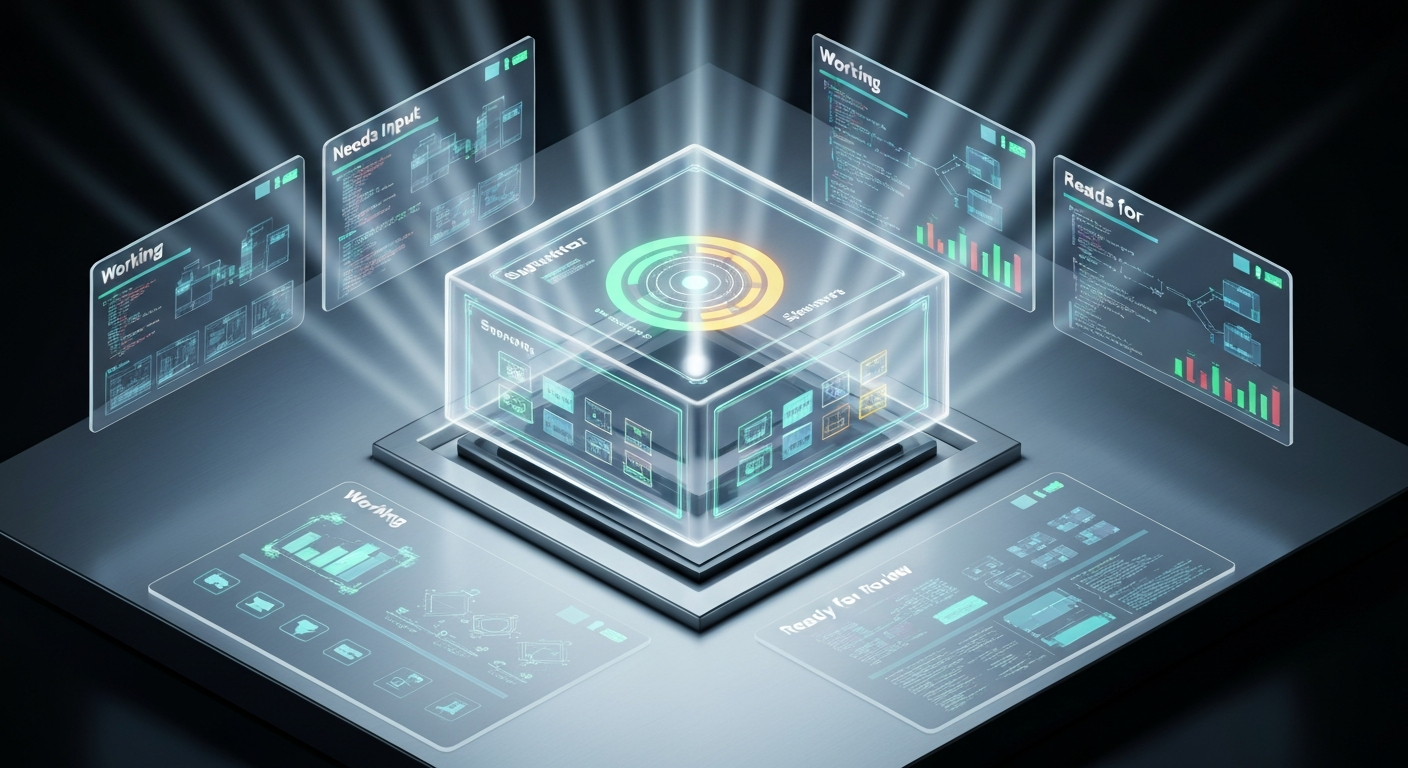
In the evolutionary history of AI programming tools, we are experiencing a paradigm shift from "assistive plugins" to "engineering systems." If the early GitHub Copilot provided developers with "autocomplete," Anthropic's recently launched Claude Code Agent View marks a fundamental transformation in the developer's identity: we are evolving from "overseers" staring at the screen watching AI write every line of code, into "Tech Leads" orchestrating multiple agents simultaneously to complete complex tasks.
Pain Point Analysis: The "Cognitive Collapse" of Multitasking
Before the advent of Agent View, proficient Claude Code developers often faced an awkward "StarCraft-style" predicament. To process multiple tasks in parallel (such as fixing bugs, refactoring modules, and writing tests simultaneously), developers had to open dozens of terminal windows or Tmux panes. This paradigm presented three core pain points:
- Context Switching: Developers had to maintain a complex mapping table in their minds to remember the task progress corresponding to each window, resulting in an extremely high cognitive load.
- Process Fragility: Traditional sessions relied on terminal windows. If a window was closed or network fluctuations occurred, running long-running tasks were often interrupted.
- File Conflicts: Multiple parallel Agents operating on files within the same working directory easily triggered write conflicts and Git index corruption.
Core Principles Analysis: TUI Orchestration Layer and Persistence Architecture
Agent View is essentially a Text User Interface (TUI) orchestration layer built on top of Claude Code. By introducing a Supervisor process, it transforms task lifecycle management.
1. Global View of Task States
By executing the claude agents command, developers can enter a full-screen dispatch panel. This panel logically groups all background sessions based on their status:
- Ready for review: A Pull Request (PR) has been generated and is awaiting review, typically indicated by a green status dot.
- Needs input: The Agent has encountered a decision point and is waiting for user input (indicated in yellow).
- Working: The task is currently executing, with real-time status updates.
- Completed: The task has finished, and the results are ready.
2. Real-time Summarization
Each line of the status summary in Agent View is not a simple log truncation. Every 15 seconds, the system invokes the lightweight Claude 3 Haiku model to generate a "narration" for the current session (e.g., "Editing src/physics/CollisionSystem.ts"). This design allows developers to grasp the global dynamics at a glance without needing to dive into session details.
3. Peek Mechanism: Minimalist Interaction Loop
To reduce the cost of replying, Agent View introduces the Peek feature. Selecting a task and pressing the Spacebar pops up a preview panel. If the Agent is asking a multiple-choice question or requesting confirmation, the developer can reply directly within the panel. The entire process requires no switching of terminal environments, compressing the interaction cost from minutes to seconds.
Architectural Evolution: Git Worktree Isolation and Persistence
To support highly concurrent engineering tasks, Claude Code implements rigorous file isolation and process hosting mechanisms at the foundational level.
Core Isolation Logic: When multiple sessions are working in parallel, Claude Code automatically creates an independent Git Worktree for each session, located at
.claude/worktrees/<id>/. This means each Agent operates within its own isolated sandbox without interfering with others, completely resolving the issue of multiple Agents competing for the same file.
Regarding persistence, background sessions are hosted by a per-user Supervisor process. Even if you close the IDE or restart the terminal, tasks continue to run in the background. If a computer sleep state causes tasks to halt, they can be quickly revived using the following command:
# Respawn all interrupted background tasks
claude respawn --all

## Concept Clarification: Agent View vs. Subagents vs. Agent Teams

As Claude Code's features enrich, understanding the hierarchical differences between these three concepts is crucial:

*   **Subagents**: The "workers" within a single session, responsible for executing specific subtasks and reporting back to the main session.
*   **Agent Teams**: Collaborative groups formed across multiple sessions via communication protocols.
*   **Agent View**: The "dashboard" and dispatch center for all sessions, responsible for macroscopic visual management.

## Code Practice: Best Practices for Building a "Command Center"

For developers pursuing ultimate efficiency, it is recommended to combine the **iTerm2 Hotkey Window** with Agent View. This combination can transform Agent View into an "on-call" system-level console.

### Configuration Steps:
1.  Create a new Profile in iTerm2 and name it `Agent View`.
2.  In the **General** tab, enter `claude agents` into the `Send text at start` field.
3.  In the **Keys** tab, check `A hotkey opens a dedicated window` and set a shortcut (e.g., `Cmd + \`).
4.  Enable `Floating window` mode to ensure it hovers above all other applications.

### Task Distribution Flow:
You can dispatch tasks directly to the background via the command line without entering the interactive interface:

```bash
# Start an audit task directly in the background
claude --bg "audit this repo for hard-coded API keys and write findings to SECURITY.md"

# Throw a long-running task into the background from the current session
/bg run the complete test suite and fix any failures
Conclusion and Outlook
The emergence of Agent View marks the evolution of AI programming tools from a "dialog box" format into an "orchestration system." It solves not only the technical problem of parallel execution but, more importantly, the issue of the Visibility of Parallelism.
Although this feature is currently still in the Research Preview stage and has limitations such as exponentially increasing Token consumption and reliance on a local Supervisor process, the "Tech Lead" working model it demonstrates—namely, writing specifications (Specs), building test suites (Harnesses), and allocating parallel tasks—is undoubtedly the mainstream paradigm of future software engineering. In the Agent era, the evolutionary speed of management tools will directly determine the extent to which AI's parallel capabilities are realized.