Comprehensive Guide to Claude Code Extension Ecosystem
Tool / Skill / Hook / Command / MCP / Plugin—from underlying concepts to practical architecture, master the Claude Code extension ecosystem.
Start Learning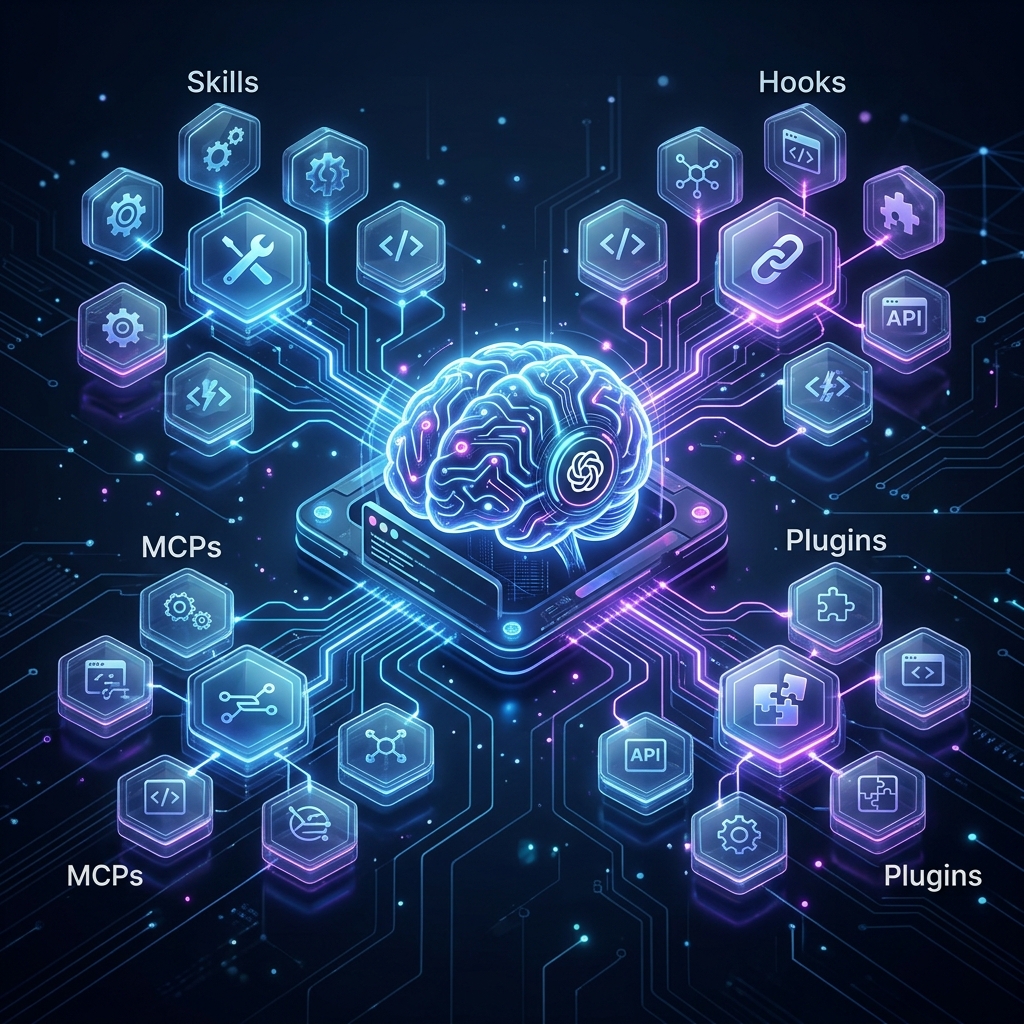
Curriculum
Episode 1: Six Concepts Explained
What are Tool, Skill, Hook, Command, MCP, and Plugin? How do they collaborate?
Episode 2: Layered Architecture
From user input to execution, what layers are involved? A Mermaid breakdown of the full call chain.
Episode 3: Tool - Claude's Hands and Feet
Tool is the smallest unit of operation Claude can perform. Built-in Tools + MCP Tools = Total capability.
Episode 4: Skill - Reusable Workflow Templates
Skills are 'recipes' defined with Markdown. They tell Claude exactly what to do in specific scenarios.
Episode 5: Hook - Event-Driven Automation
Hooks execute scripts automatically at specific events. They don't change Claude's capabilities, but they transform the workflow.
Episode 6: MCP Protocol - Claude's 'Outsourced Team'
MCP allows Claude to call external tool services. It is the core mechanism for extending Claude's capabilities.
Episode 7: Internal vs. External MCP
Internal MCPs are auto-installed with plugins. External MCPs are manually connected, ideal for third-party services.
Episode 8: MCP Ecosystem Overview
From databases to image analysis to web reading, MCP connects Claude to everything.
Episode 9: Plugin Anatomy - What's Inside a Plugin
Plugins are the distribution unit for extensions. They bundle Skills, Hooks, MCPs, and Commands into an installable package.
Episode 10: Installation and Directory Structure
Three ways to install, three levels of configuration, and a complete directory map.
Episode 11: Foundational Q&A
Common questions about Tool vs. Skill, MCP vs. API, Hook security, and more.
Episode 12: Troubleshooting Q&A
Solutions for plugin conflicts, MCP startup failures, Hook timeouts, and other real-world issues.