Anthropic has made one of its most significant announcements in 2026 with the launch of Claude Design. Since its release on Friday, Figma's stock has dropped a further 9%, highlighting the escalating tension between the two companies. Mike Krieger, Anthropic's Chief Product Officer, resigned from Figma's board on April 14th, the same day reports emerged that Anthropic's next model would include design tools capable of competing with Figma's primary offering. Following Claude Design's launch, Figma's CEO also posted an image that succinctly captured his sentiments about Claude’s vision for AI-powered design.
Drama aside, Anthropic is making a substantial bet on this new design tool, regardless of whether it ultimately replaces Figma for long-term product development. For product teams, this makes understanding Claude Design critically important right now. We will explore what it is, how it fits into the broader Claude product stack, and where it proves useful in practice.
What can Claude Design do? Users can engage with its native design system capabilities to create core workflow assets hands-on, such as mobile app onboarding journey prototypes, interactive landing pages for products, 3D visual components to bring specific features to life, and stakeholder alignment decks that include potential design directions for exploration. Prototypes can even be pushed to Claude Code for further refinement and editing.
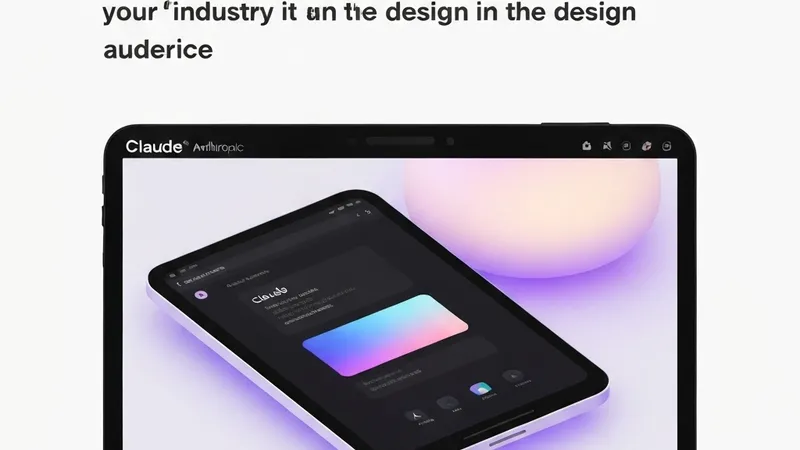
Upon logging into Claude Design for the first time, users will encounter a split-screen interface. The left pane is dedicated to selecting the types of assets to create, while the right pane allows for editing, refining designs, and viewing the output.
There are two primary ways to interact with Claude Design: The first is via a 'chat' interface for broader changes, such as structural modifications, aesthetic shifts, requesting multiple variations, or asking Claude to review the design for accessibility and usability. The second method involves 'inline comments' for more precise, high-fidelity adjustments within the design.