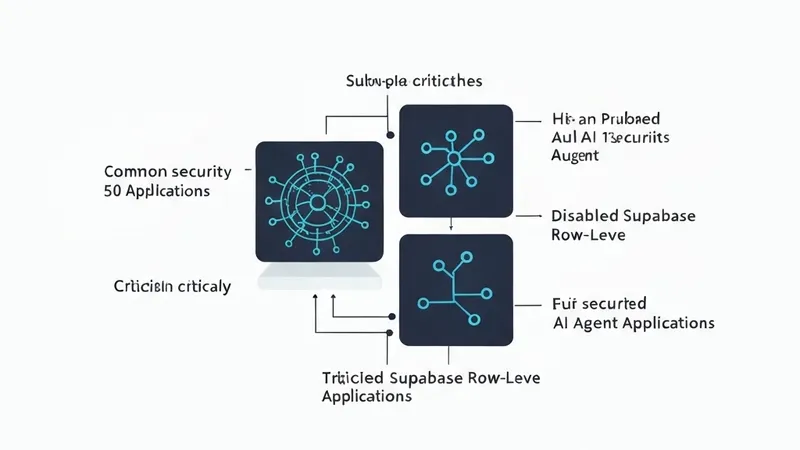
Over the past few months, an audit was conducted on 50 AI Agent applications built using platforms like Lovable, v0, Bolt, Cursor, and Claude Code. These applications varied widely, from personal side projects and YC-backed startups to hackathon submissions that made it to production. Strikingly, nearly all of them exhibited the same five recurring security bugs.
This write-up provides a detailed account of these vulnerabilities, including concrete detection methods like grep commands and actual CVEs where applicable, alongside practical solutions for remediation.
Bug 1: Disabled Supabase Row-Level Security (RLS) (44 out of 50 apps)
A significant 70% of audited Lovable applications had Row-Level Security (RLS) completely disabled. The Lovable RLS vulnerability (CVE-2025-48757, CVSS 9.3, March 2025) impacted over 170 production applications within a single weekend. Notably, Lovable EdTech exposed 18,697 student records, with 4,538 belonging to UC Berkeley and UC Davis. Compounding the issue, an inverted authentication check allowed anonymous users full read access while blocking authenticated users.
How to find it:
Run the following SQL query against your Supabase SQL editor (or psql with a service role key):
SELECT schemaname, tablename, rowsecurity
FROM pg_tables
WHERE schemaname = 'public'
ORDER BY rowsecurity, tablename;
If any row indicates FALSE for rowsecurity, it signifies a vulnerability. Specifically, anyone with your project's anonymous key (which is typically bundled in your client-side JavaScript) can read every row of that particular table.
How to fix:
First, enable RLS for your table:
ALTER TABLE public.your_table_name ENABLE ROW LEVEL SECURITY;Then, create policies to restrict access, for example, allowing users to select only their own data:
CREATE POLICY "users_select_own"
  ON public.your_table_name
  FOR SELECT
  USING (auth.uid() = user_id);
Repeat this process for INSERT, UPDATE, and DELETE operations as required.
A default-allow policy is inherently dangerous. The correct security posture mandates a default-deny approach with explicit grants for specific operations.
Why this keeps shipping: Lovable's templates did not enable RLS by default until the relevant patch was deployed. Even after the patch, applications generated using older, pre-patch templates could still be shipped to production with this vulnerability. For more information, refer to: https://www.superblocks.com/blog/lovable-vulnerabilities
Bug 2: Secret keys in NEXT_PUBLIC_* variables (39 out of 50 apps)
This vulnerability was the root cause of the Moltbook leak (February 2026), which resulted in the exposure of 1.5 million API tokens, 35,000 emails, and 47GB of agent conversation history. The core issue was a Supabase anonymous key hardcoded into the client-side JavaScript bundle via NEXT_PUBLIC_SUPABASE_ANON_KEY. Without RLS enabled, this exposed key could retrieve every row from every table.
It is crucial to understand that NEXT_PUBLIC_ is not merely a naming convention; it is a build instruction. Any variable prefixed with NEXT_PUBLIC_ will be baked directly into the JavaScript shipped to every visitor's browser. If it's intended to be a secret, it ceases to be one once processed this way.
How to find it:
1. Audit every NEXT_PUBLIC_* variable in your codebase:
grep -rE "NEXT_PUBLIC_[A-Z_]+" app/ pages/ components/ lib/ --include="*.ts" --include="*.tsx" --include="*.js" | sort -u2. Audit the build output for committed secrets:
grep -rE "sk_live_|pk_live_|sk_test_[a-zA-Z0-9]{24,}|sb_secret_|AKIA[A-Z0-9]{16}" .next/ public/(The original article ends here, subsequent content is missing.)