Developers building with AI agents, whether leveraging models like Claude, Gemini, Vertex, or CLI-based systems, often encounter significant challenges. These include managing a proliferation of terminal tabs, the inability to easily compare agent outputs side-by-side, losing scroll history upon window closure, and a critical lack of visibility into operational costs.
Agenv was created to address these pain points directly.
What is Agenv?
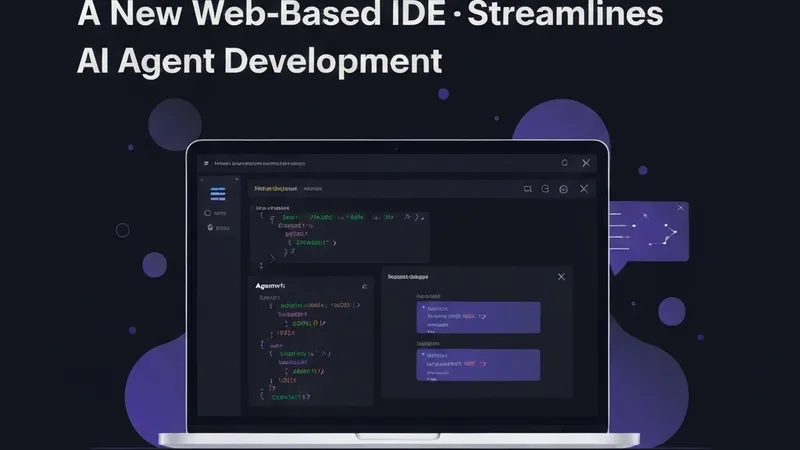
Agenv (The Agent Development Environment) is a comprehensive web-based IDE specifically designed for running and monitoring AI agents. It functions as a complete workspace, offering key capabilities such as:
- Running multiple agents concurrently in split terminal panes.
- Editing code with syntax highlighting support for over 30 languages.
- Built-in Git integration for staging, diffing, and committing changes.
- Real-time tracking of token usage and associated costs per session.
- Persistent sessions that can withstand browser crashes and re-connections.
Agenv can operate either as a desktop application via Electron or as a web server accessible from any device, including mobile phones. This flexibility ensures developers can manage their AI agent projects from anywhere.
Agenv provides a holistic development environment for agents, moving beyond just a terminal. It integrates the ability to run multiple agents simultaneously, inspect their outputs in a split-pane view, edit code with syntax highlighting, track costs, and manage the entire workflow from any browser or the dedicated desktop application.
Installation and Quick Start
Installing Agenv is straightforward. You can install it globally via npm:
npm install -g @adibenmatdev/agenvAlternatively, you can run it directly without a global installation using npx:
npx @adibenmatdev/agenvFor the desktop application experience, you can optionally install Electron:
npm install -g electronOnce installed, you can quickly launch and use Agenv with the following commands:
# Launch the environment (desktop app if Electron is installed, web mode otherwise)
agenv
# Force web mode (opens in browser, accessible from any device)
agenv --web
# Web mode on a custom port
agenv --web --port 8080
# Launch directly into an agent
agenv run claude --model…
These simple steps enable developers to efficiently set up and utilize Agenv to optimize their AI agent development workflow.