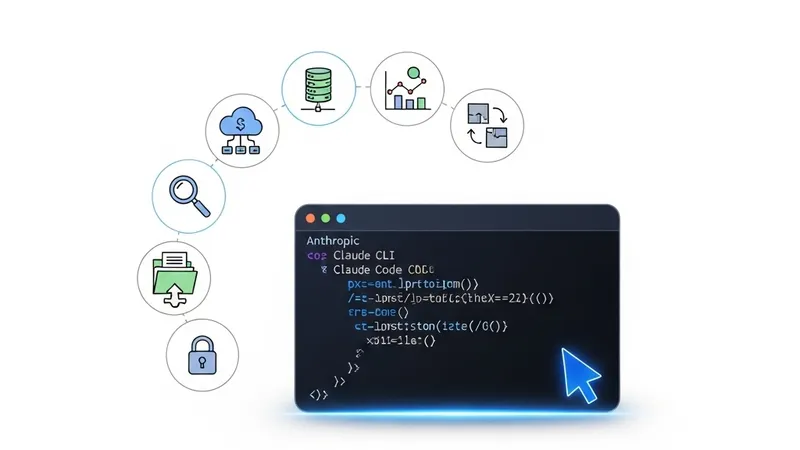
With Anthropic's release of the powerful Claude Code CLI tool, users have discovered that it is not just a coding assistant but a master of local file management. For Obsidian users, this means having an AI agent that can directly interact with their local Markdown vault. Since Obsidian stores notes as plain text files, Claude Code can read, edit, and analyze your entire knowledge base with unprecedented speed.
To start, you simply run the `claude` command in the root of your Obsidian vault. Here are seven core command workflows to supercharge your productivity:
First, Metadata Standardization. You can task Claude Code to audit your frontmatter: "Check all notes for consistent YAML headers, ensuring 'date' and 'tags' fields exist and formatting all dates to YYYY-MM-DD." This is vital for maintaining a clean, queryable database.
Second, Smart Semantic Linking. Leveraging its understanding of long contexts, you can command: "Search for notes related to 'Generative AI' and suggest bidirectional links at the end of the current file." This helps bridge gaps between disparate pieces of information.
Third, Bulk Content Refactoring. For those with messy web clippings, Claude can automate the cleanup: "Clean up the 10 most recent web clips, remove HTML artifacts, extract key insights, and reformat them into clean Obsidian Markdown."
Fourth, Generating Maps of Content (MOCs). MOCs are central to the Obsidian philosophy. You can ask Claude to "Scan the /Research folder and generate a summary page that categorizes notes with short introductory descriptions for each section."
Fifth, Multi-document Synthesis. For complex research, instruct Claude to read multiple related notes and synthesize a comprehensive report or white paper directly into a new file.
Sixth, Action Item Extraction. Claude can quickly scan journals or meeting minutes: "Extract all tasks and action items from this week's daily notes and consolidate them into a centralized Todo.md file."
Seventh, Vault Auditing. Ask Claude to act as a critical thinker: "Analyze my 'Investment Logic' folder and identify potential contradictions or areas where the arguments lack supporting evidence." This level of analytical depth transforms Obsidian from a static repository into a dynamic, evolving AI Second Brain.